Slack notifications
Connect one Slack channel, then choose which Lens notifications it receives. Findings report issues found by investigations across runs. Alerts report individual runs that match a rule or model signal, such as prompt injection
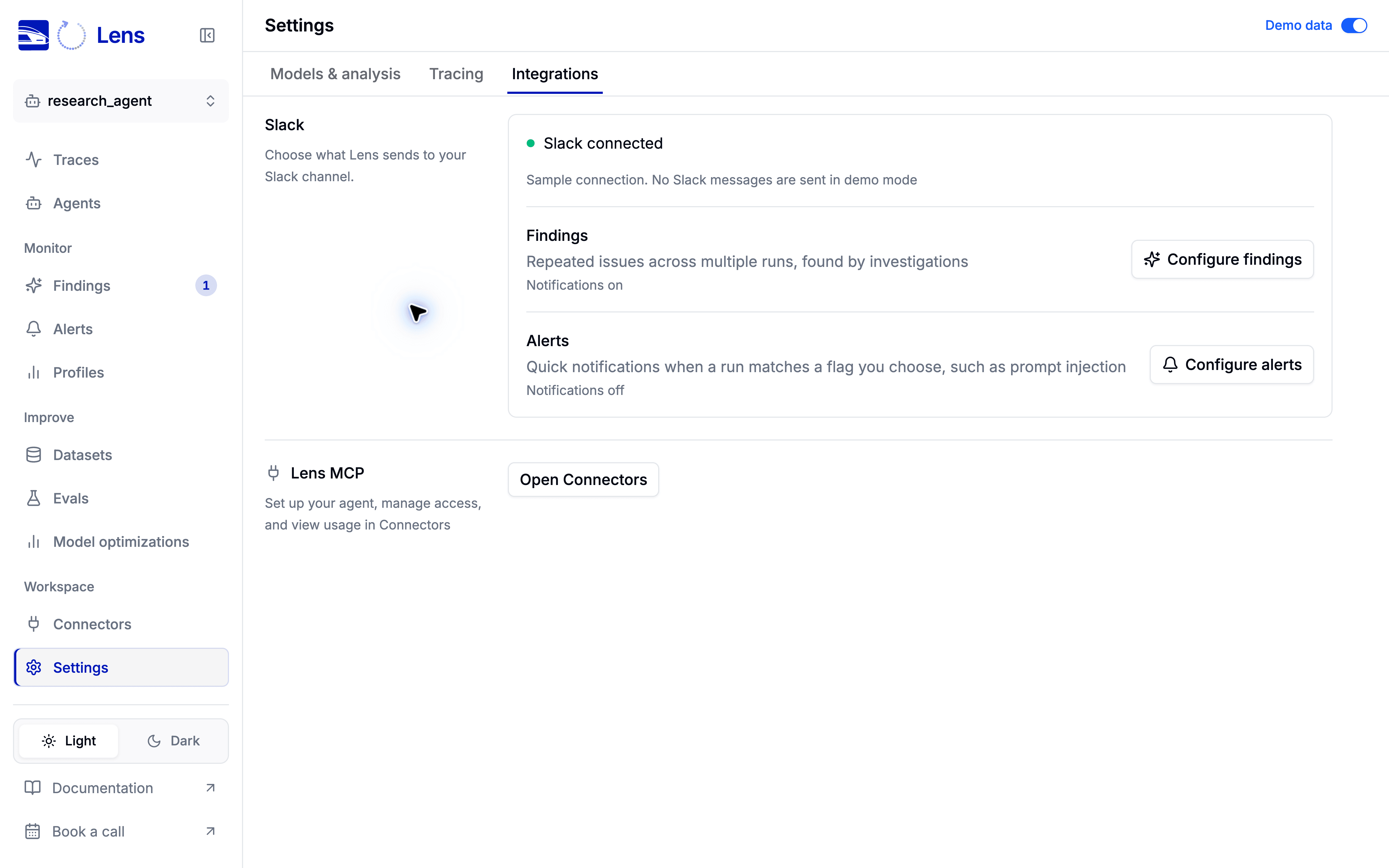
Demo data from the Lens UI preview. No Slack messages are sent in demo mode
Connect your channel
You need Lens administrator access and permission to add an incoming webhook in the destination Slack workspace. The Lens deployment needs its public UI address configured so notification links open the correct page
Create an incoming webhook using Slack's setup guide and select the destination channel. In Lens, open Settings > Integrations > Connect Slack, paste the webhook URL, and choose Save connection
Lens stores the webhook encrypted. Connecting it does not turn on notifications. After saving, you should see Slack connected and two configuration buttons
Choose what to send
Configure findings opens the switch for new findings. It covers open issue findings from all agents and teams in this Lens deployment. Use a channel authorized for that scope. Messages include the issue title, agent, supporting-run count, and a link to Lens; captured prompts and responses stay in Lens. Existing findings are not sent when you enable it
Configure alerts opens the alert delivery settings. Choose which model signals to send and enable notifications. Enabled rules use the same connection. Configure the underlying rules or model signals through Alerts
Each choice is independent. Changing alert delivery does not turn findings on or off. To change the destination channel, choose Change connection and save a replacement webhook
Check delivery
Use Send test alert in the alert Slack settings to check the connection. Then verify a new qualifying finding or alert reaches the selected channel. Saving a connection alone does not prove Slack accepted a message
If Lens reports deployment-managed findings settings, those notifications use the existing server configuration until you save findings settings here. See server-side Slack configuration for scoped delivery and retry behavior