Policy Flow Builder
The Policy Flow Builder lets you design guardrail pipelines with conditional execution. Instead of running guardrails independently, you chain them into ordered steps and control what happens when each guardrail passes, fails a policy check (content intervention), or hits a technical error (e.g. timeout, unreachable provider, missing guardrail).
Two patterns it enables: guardrail fallbacks (try a different guardrail when one fails) and retrying the same guardrail (run the same guardrail again if it fails, e.g. to handle transient errors). With on_error, you can treat technical failures differently from policy failures, for example falling back to another provider when the primary API errors while still blocking on flagged content.
When to use the Flow Builder
| Approach | Use case |
|---|---|
Simple policy (guardrails.add) | All guardrails run in parallel; any failure blocks the request. |
| Flow Builder (pipeline) | Guardrails run in sequence; you choose actions per step (next, block, allow, custom response). |
Use the Flow Builder when you need:
- Guardrail fallbacks — use
on_fail: nextto try a different guardrail when one fails (e.g., fast filter → stricter filter) - Retrying the same guardrail — add the same guardrail as multiple steps; if it fails,
on_fail: nextmoves to the next step, which can be the same guardrail again (useful for transient API errors or rate limits) - Conditional routing — e.g., if a fast guardrail fails, run a more advanced one instead of blocking immediately
- Custom responses — return a specific message when a guardrail fails instead of a generic block
- Data chaining — pass modified data (e.g., PII-masked content) from one step to the next
- Fine-grained control — different actions on pass vs. fail per step
- Technical-error routing — set
on_errorseparately fromon_failso outages or timeouts can allow, block, go to the next step, or return a custom response without conflating them with content violations
Concepts
Pipeline
A pipeline has:
- Mode:
pre_call(before the LLM) orpost_call(after the LLM) - Steps: Ordered list of guardrail steps
Outcomes: pass, fail, and error
Each step run produces one of three outcomes:
| Outcome | Meaning | Typical cause |
|---|---|---|
| pass | Guardrail completed without blocking | Content allowed, or data was modified and returned |
| fail | Policy intervention | Guardrail raised an intervention (e.g. flagged content, blocked request) |
| error | Technical failure | Timeouts, network errors, guardrail not registered, or other non-intervention exceptions |
on_pass and on_fail apply to pass and fail respectively. on_error applies only to error. If on_error is omitted, the pipeline uses on_fail for error outcomes (backward compatible).
Step actions
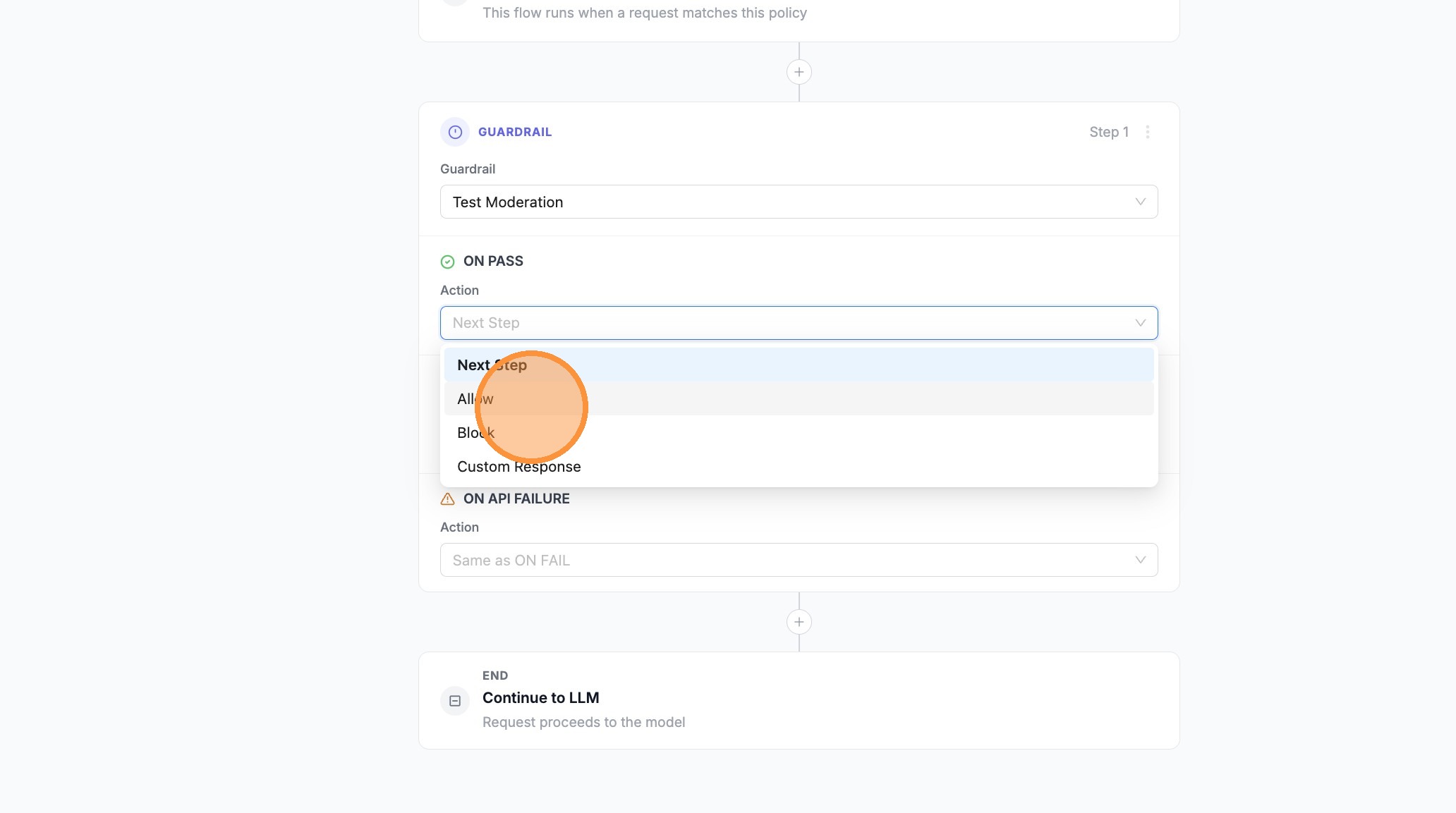
For each step you choose an action for pass, fail, and optionally error. Allowed values are: next, allow, block, modify_response.
| Action | Description |
|---|---|
Next Step (next) | Continue to the next guardrail in the pipeline |
Allow (allow) | Stop the pipeline and allow the request to proceed |
Block (block) | Stop the pipeline and block the request |
Custom Response (modify_response) | Return a custom message instead of the default block |
Step options
| Field | Type | Description |
|---|---|---|
guardrail | string | Name of the guardrail to run |
on_pass | string | Action when outcome is pass: next, allow, block, modify_response |
on_fail | string | Action when outcome is fail (policy intervention): next, allow, block, modify_response |
on_error | string (optional) | Action when outcome is error (technical). If omitted, error uses on_fail. |
pass_data | boolean | Forward modified request data (e.g., PII-masked) to the next step |
modify_response_message | string | Custom message when using modify_response action |
Using the Flow Builder (UI)
- Go to Policies in the LiteLLM Admin UI
- Click + Create New Policy or Edit on an existing policy
- Select Flow Builder (instead of the simple form)
- Design your flow:
- Trigger — Incoming LLM request (runs when the policy matches)
- Steps — Add guardrails; set ON PASS, ON FAIL, and ON API FAILURE / ON ERROR per step (when ON API FAILURE is unset, technical errors follow ON FAIL)
- End — Request proceeds to the LLM when the pipeline allows it
- Use + between steps to insert another guardrail step (for fallbacks, retries, or stricter second checks)
- Use Test Pipeline to run sample messages before saving
- Click Save Policy (or Save) to create or update the policy
Configure guardrail fallbacks in the UI (walkthrough)
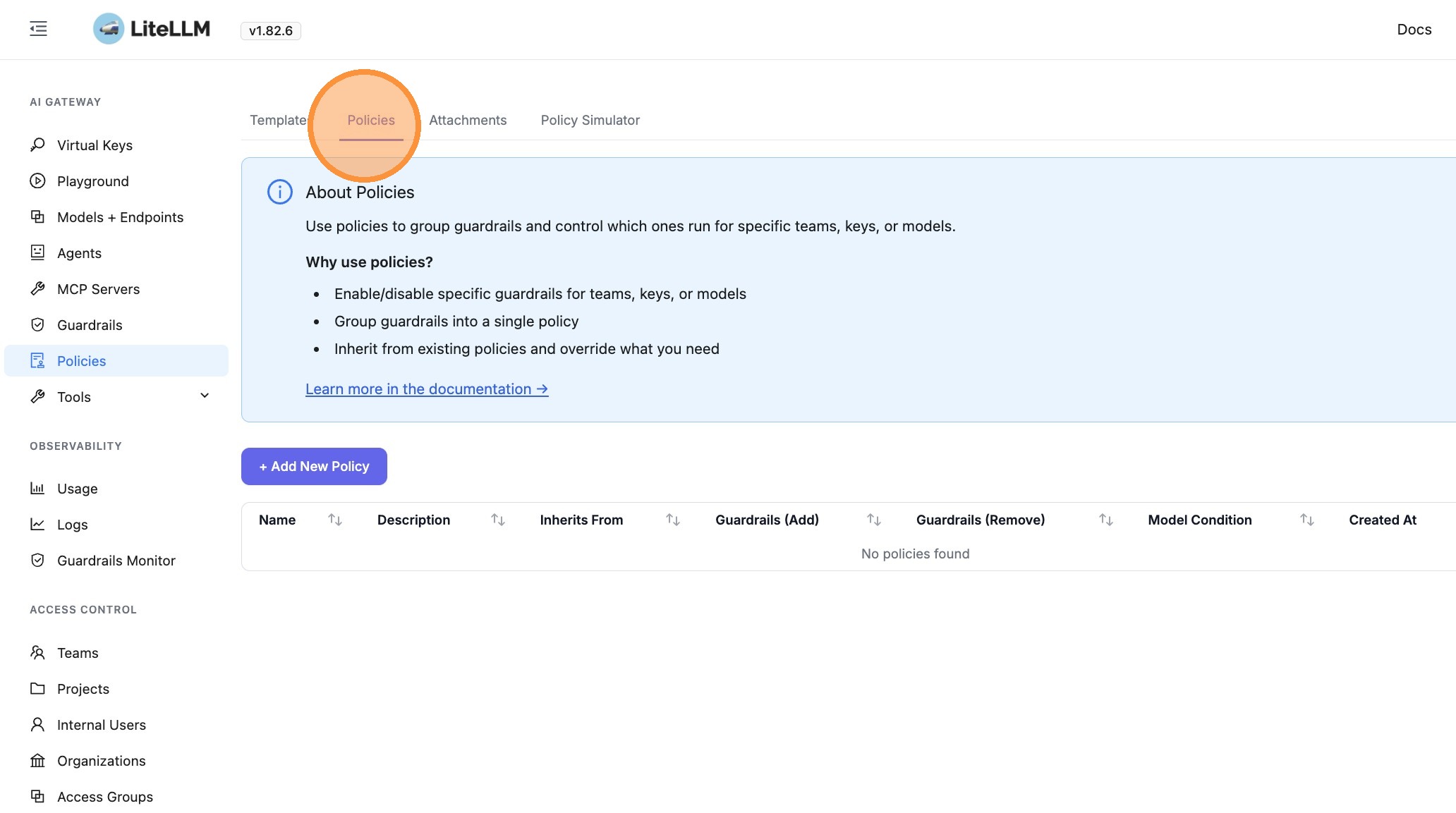
- Click Policies
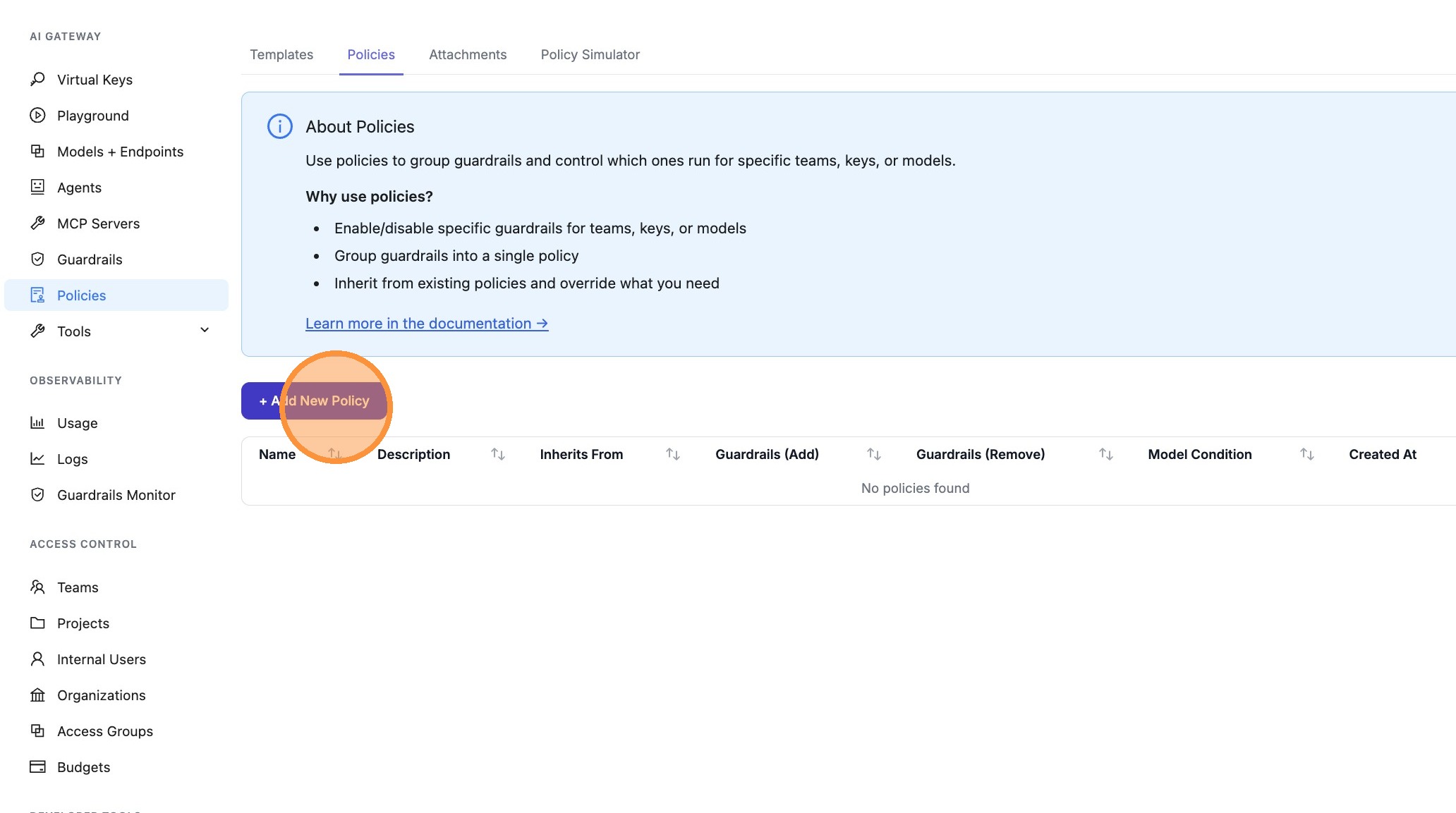
- Click + Add New Policy
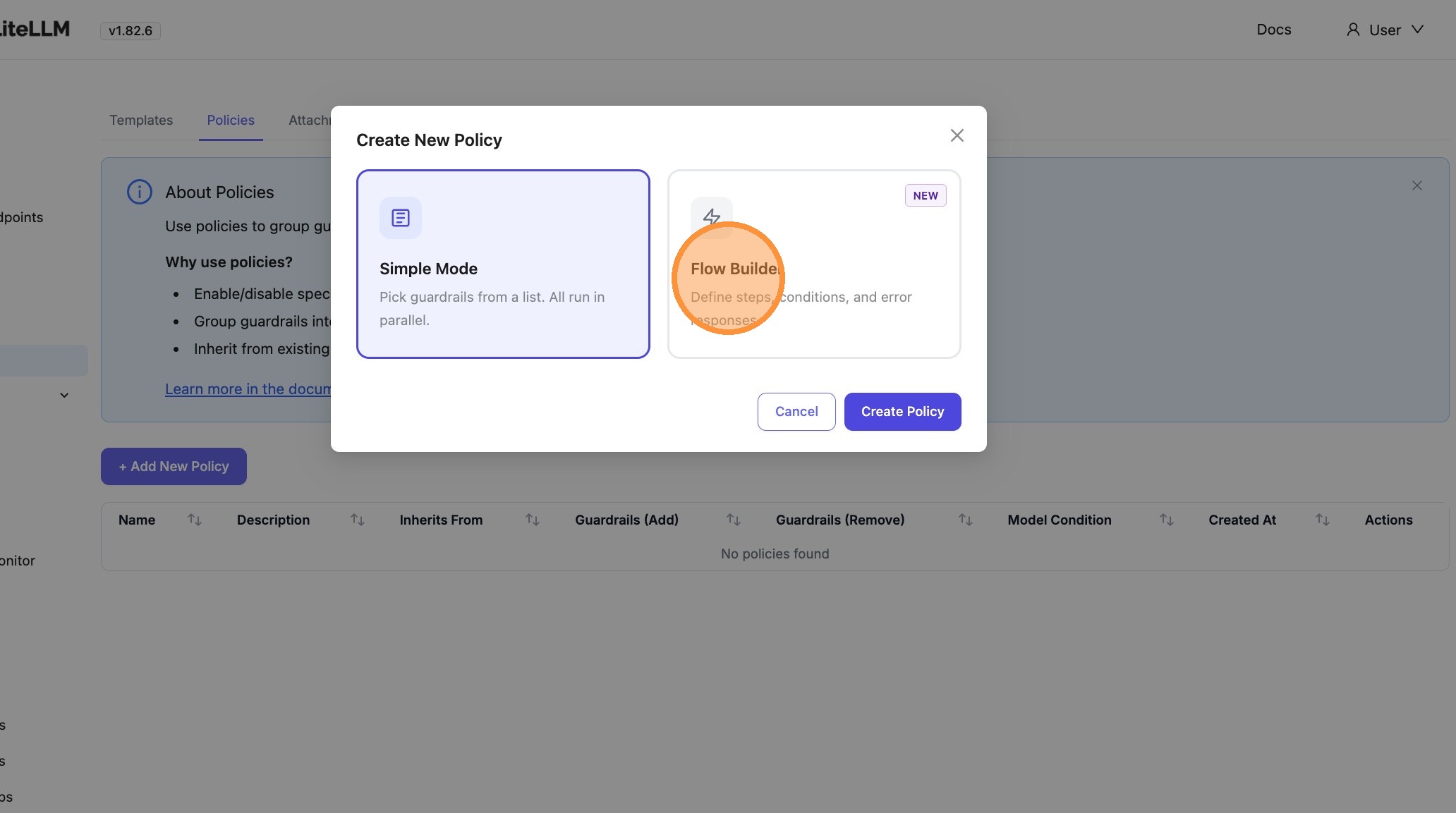
- Click Flow Builder
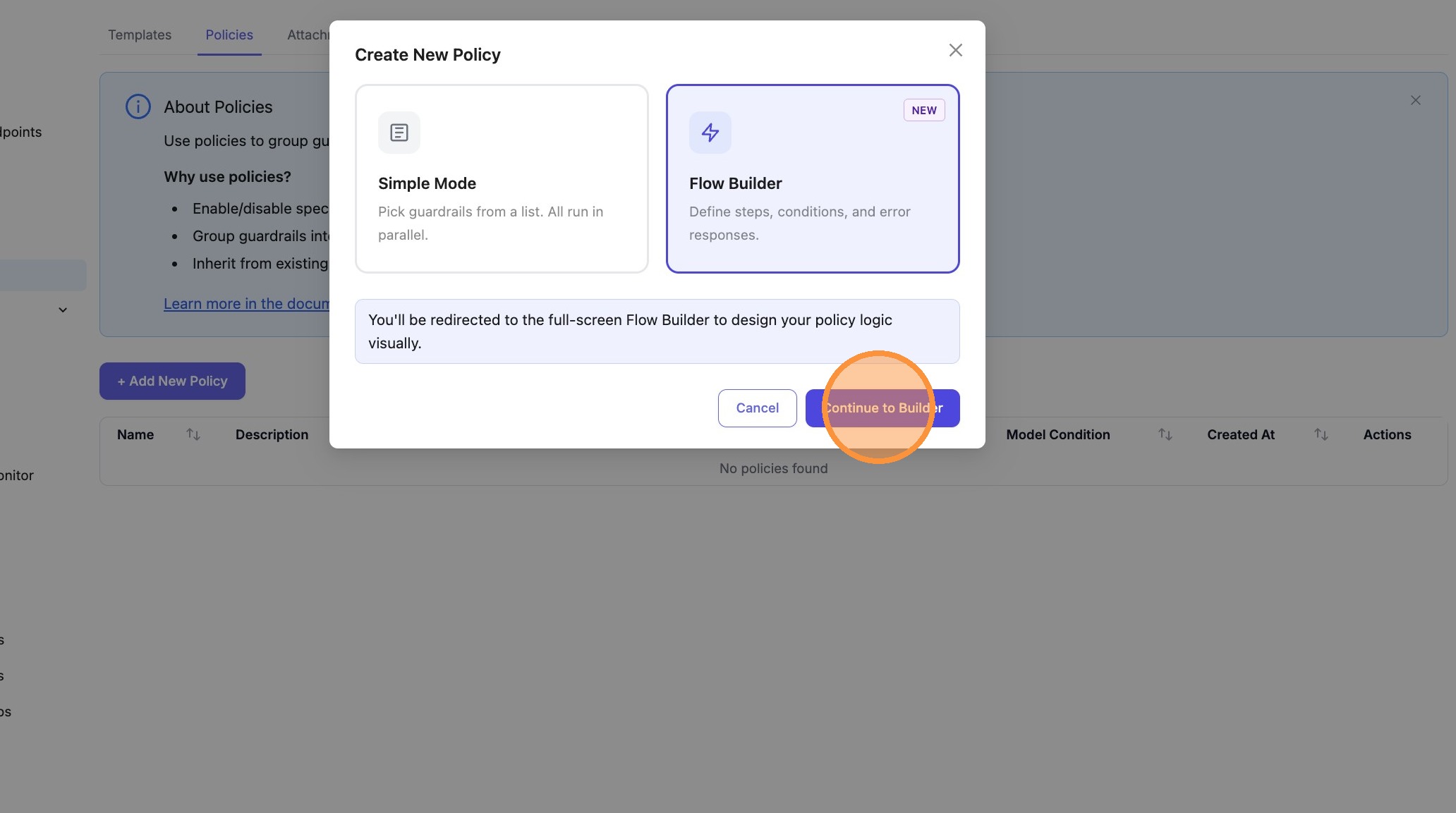
- Click Continue to Builder
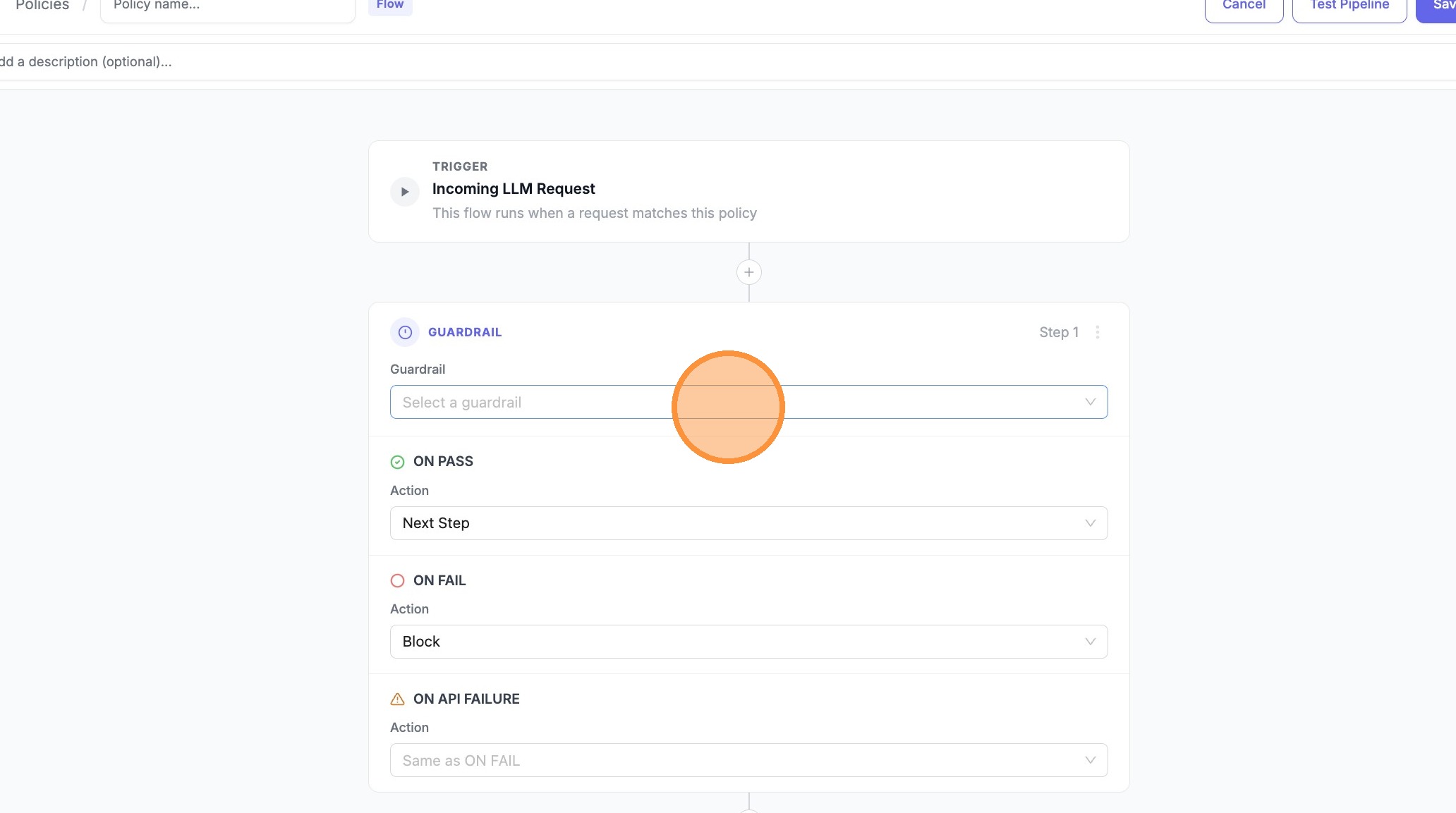
- Click the guardrail search field on the first step
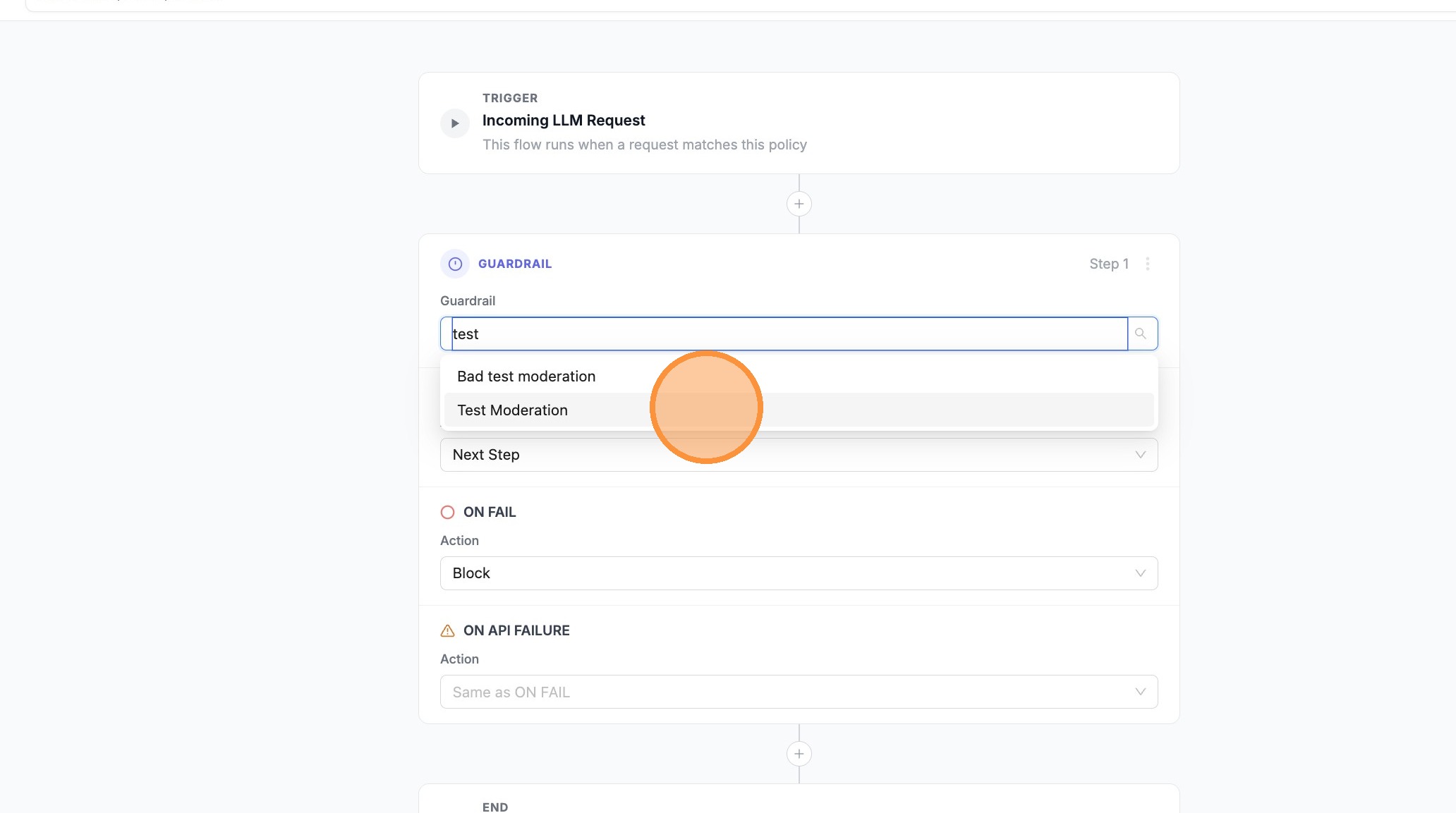
- Choose Test Moderation (or your primary guardrail)
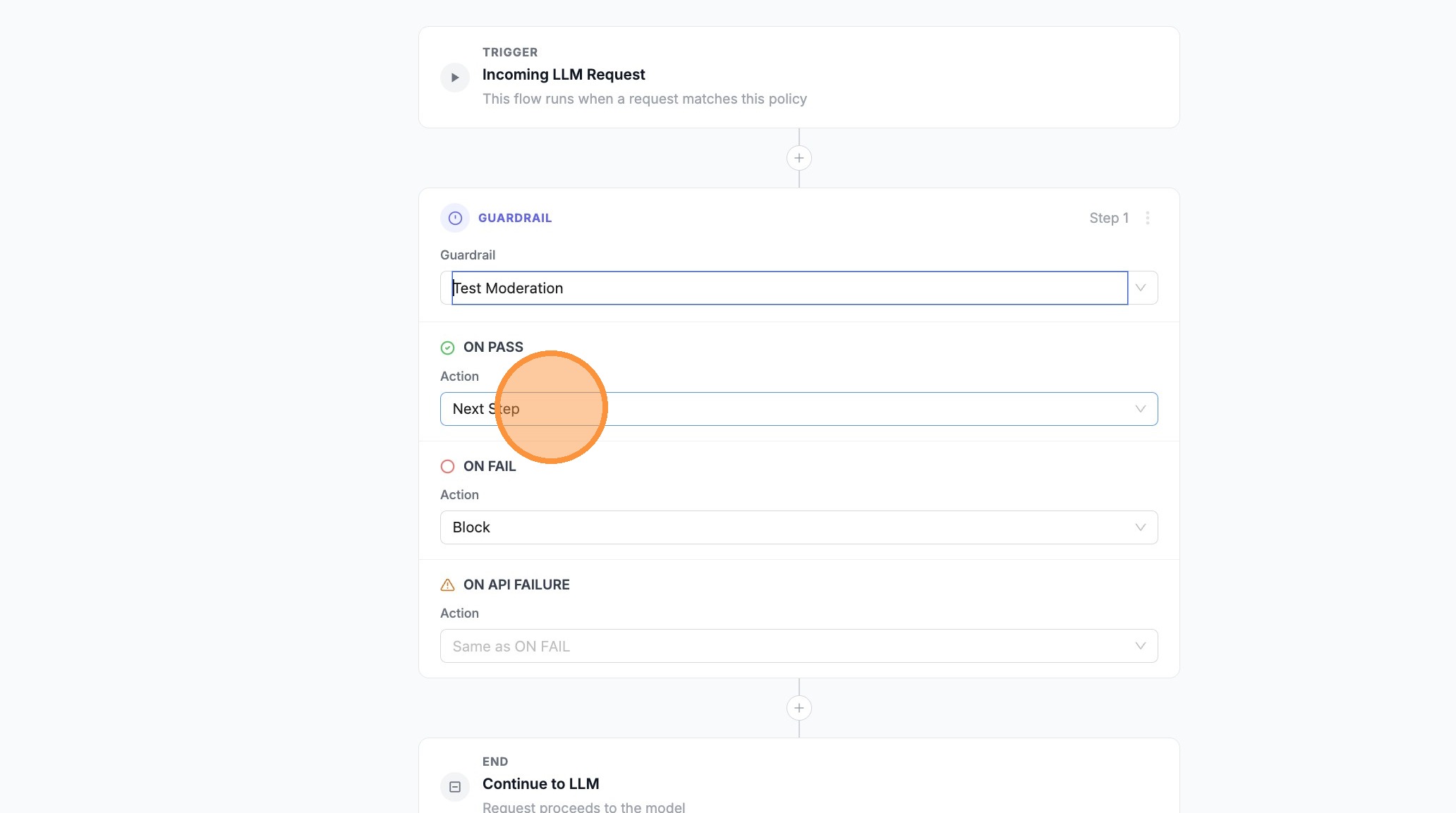
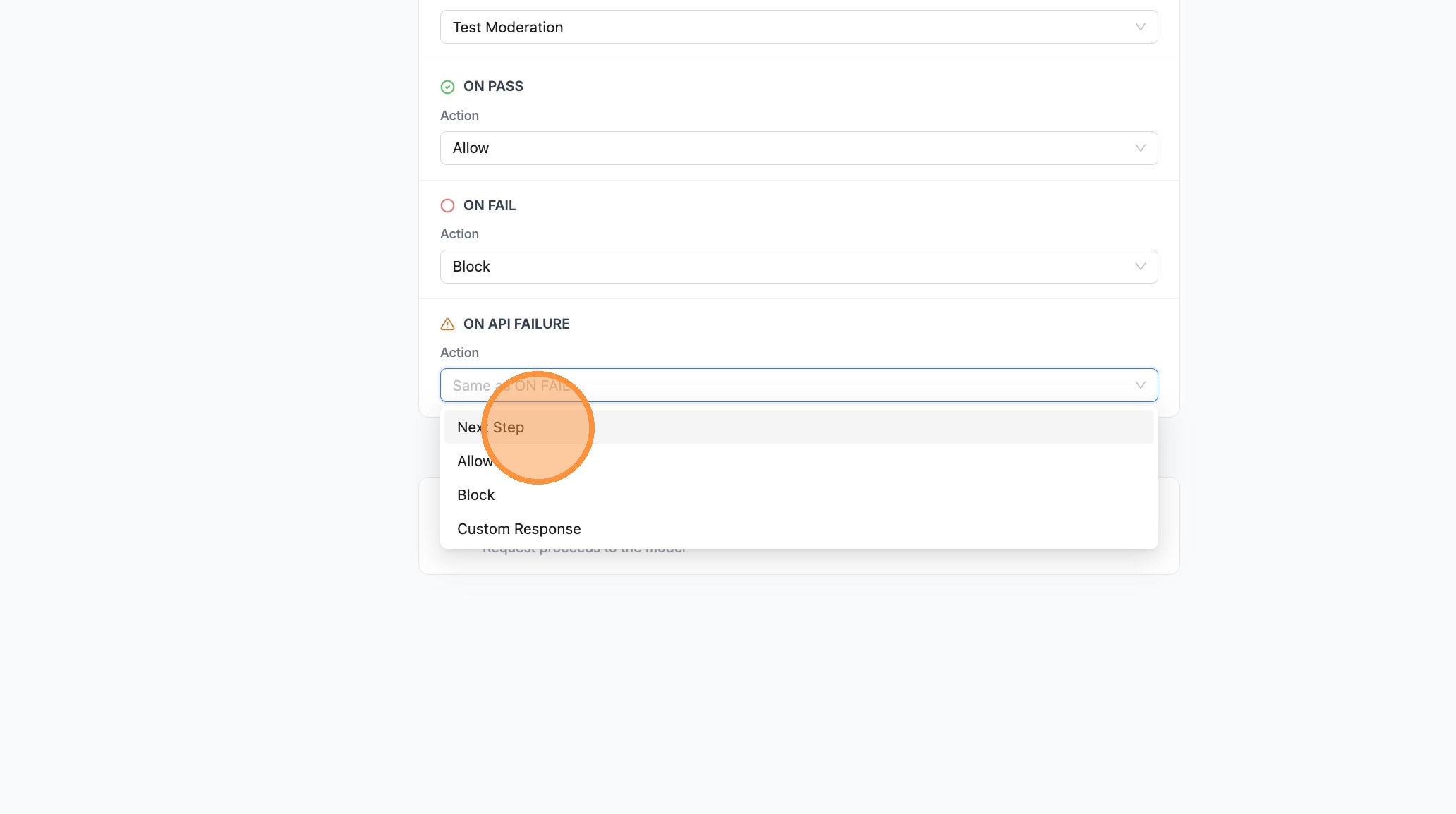
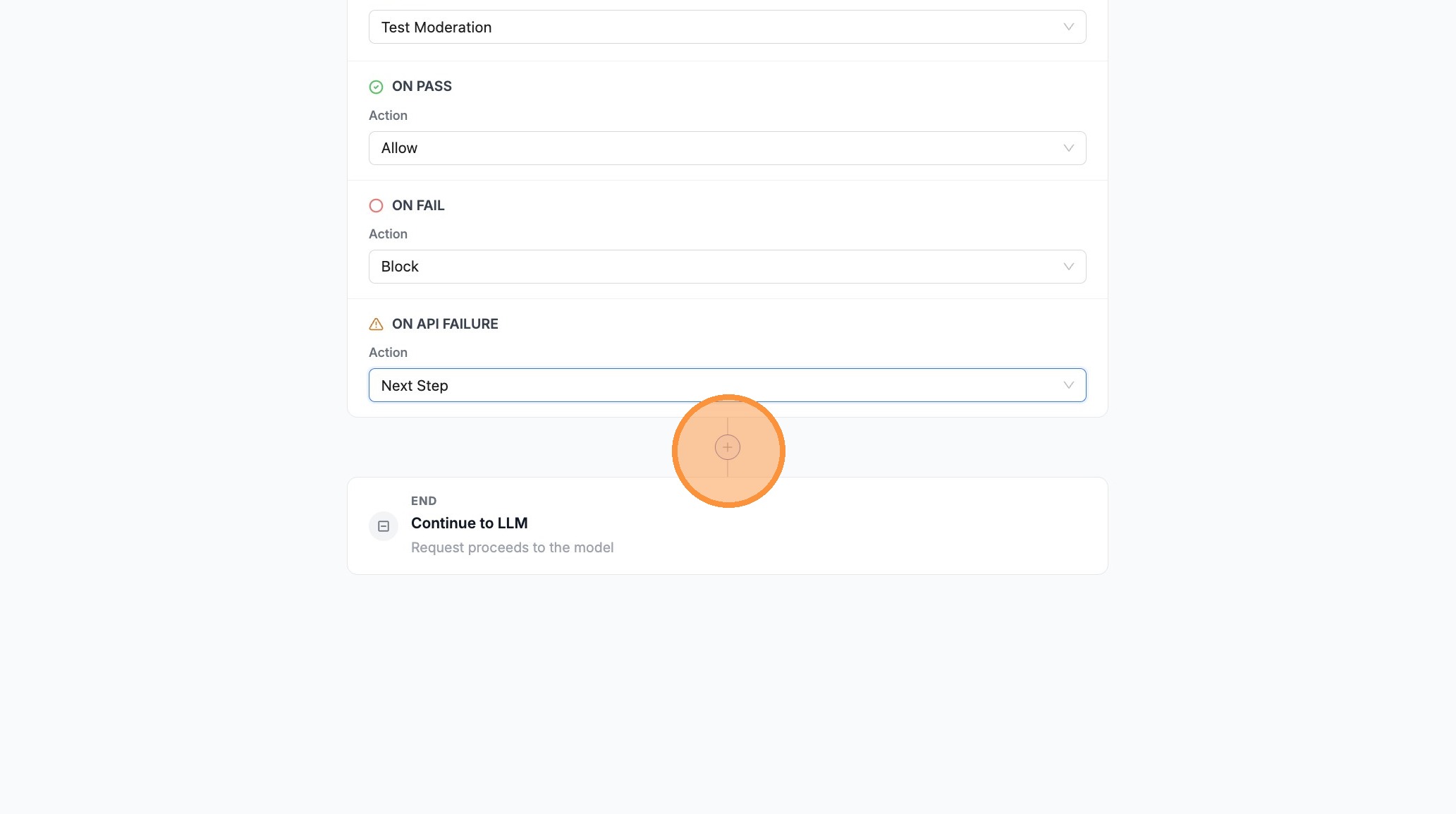
- For one branch (e.g. ON API FAILURE), set the action to Next Step so the pipeline can fall through to the next guardrail when the API errors
- For ON PASS, set Allow (or Next Step if you need more steps before allowing)
- Open the next outcome’s search/dropdown (e.g. ON FAIL)
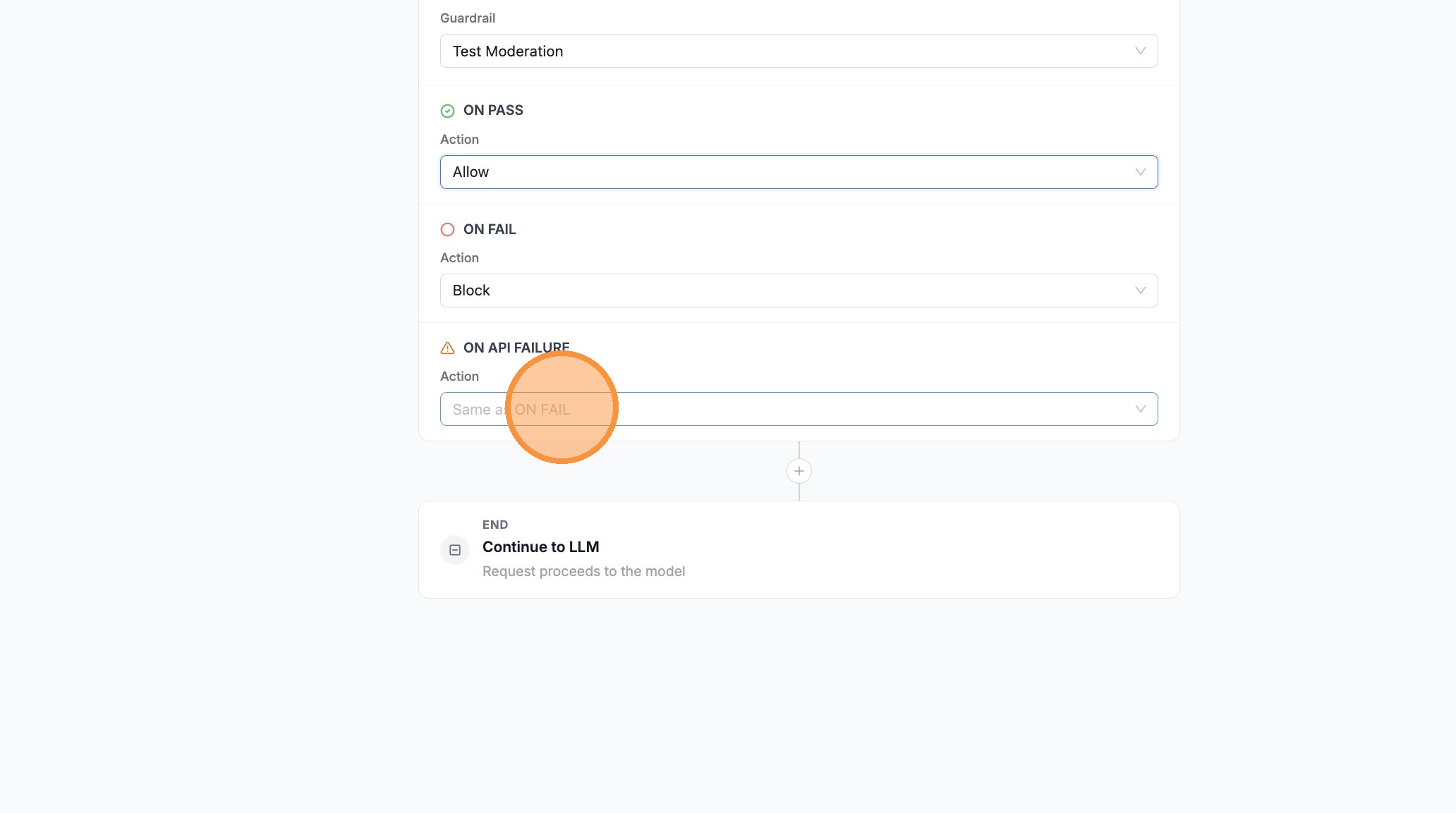
- Set that branch to Next Step if failed checks should continue to your backup guardrail
- Click + between steps to add a second guardrail
- Open the guardrail search field on the new step
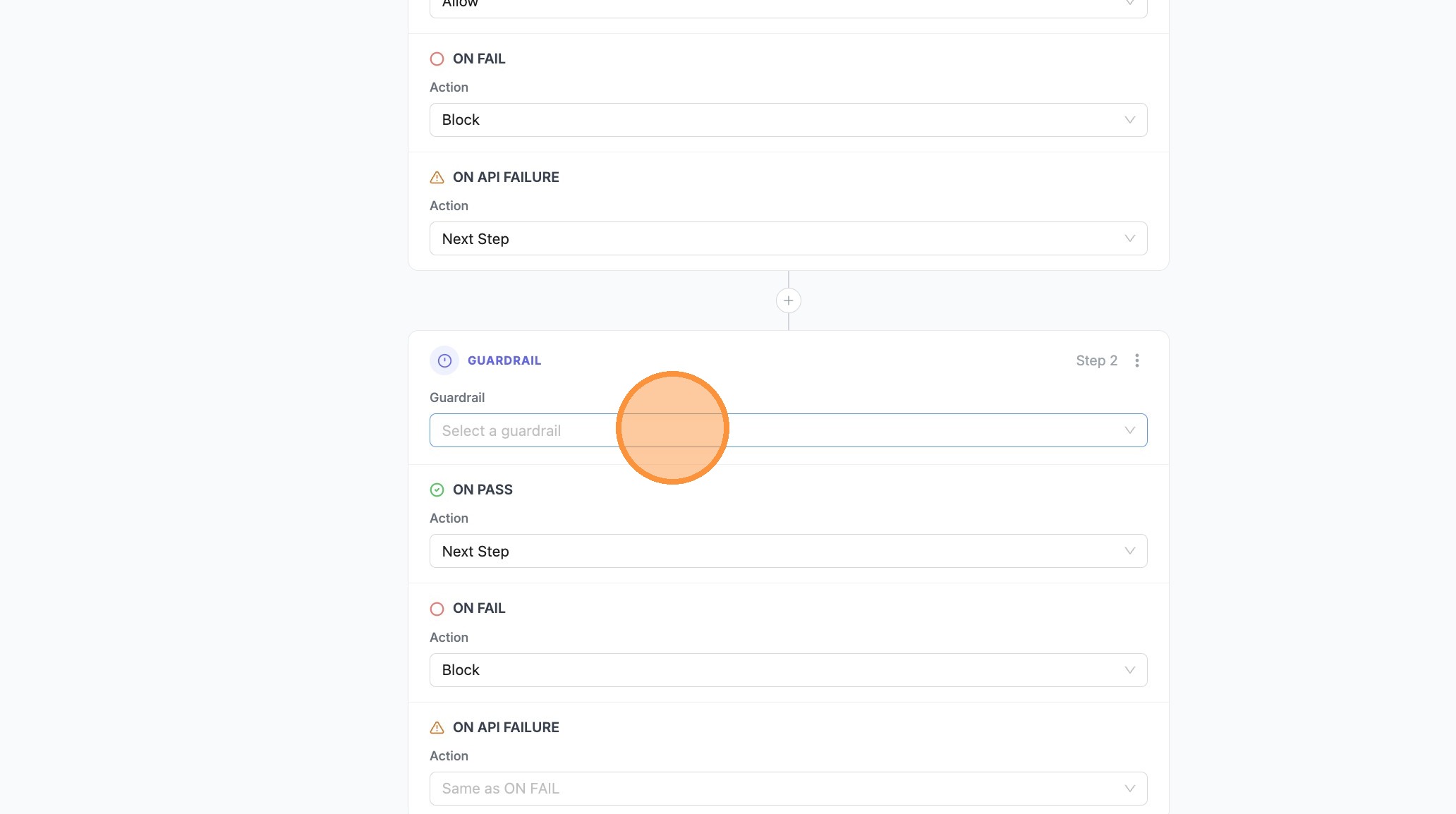
- Select Insults & Personal Attacks (or your fallback / stricter guardrail)
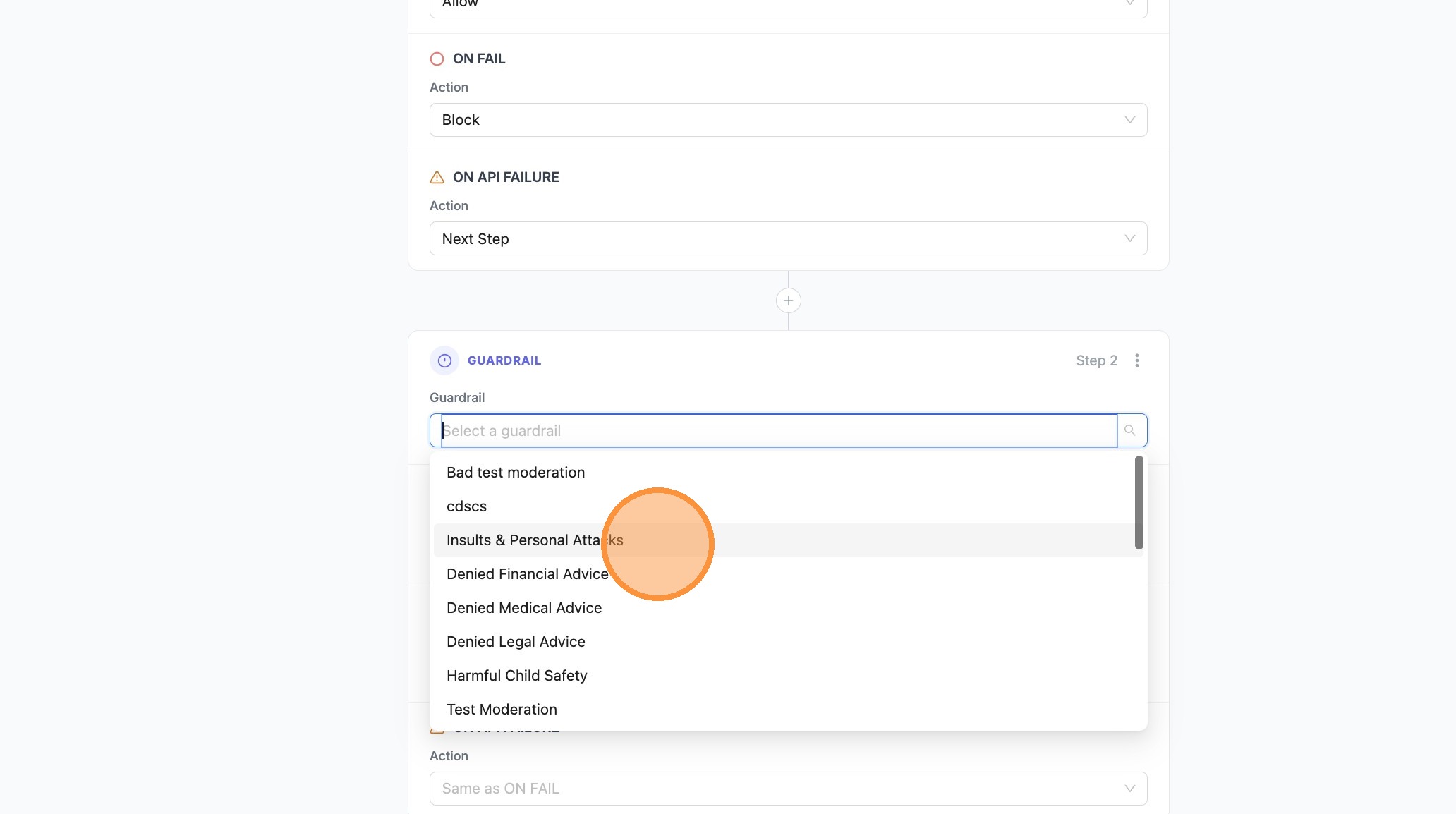
- Set Next Step or Block on the branches as needed for this step
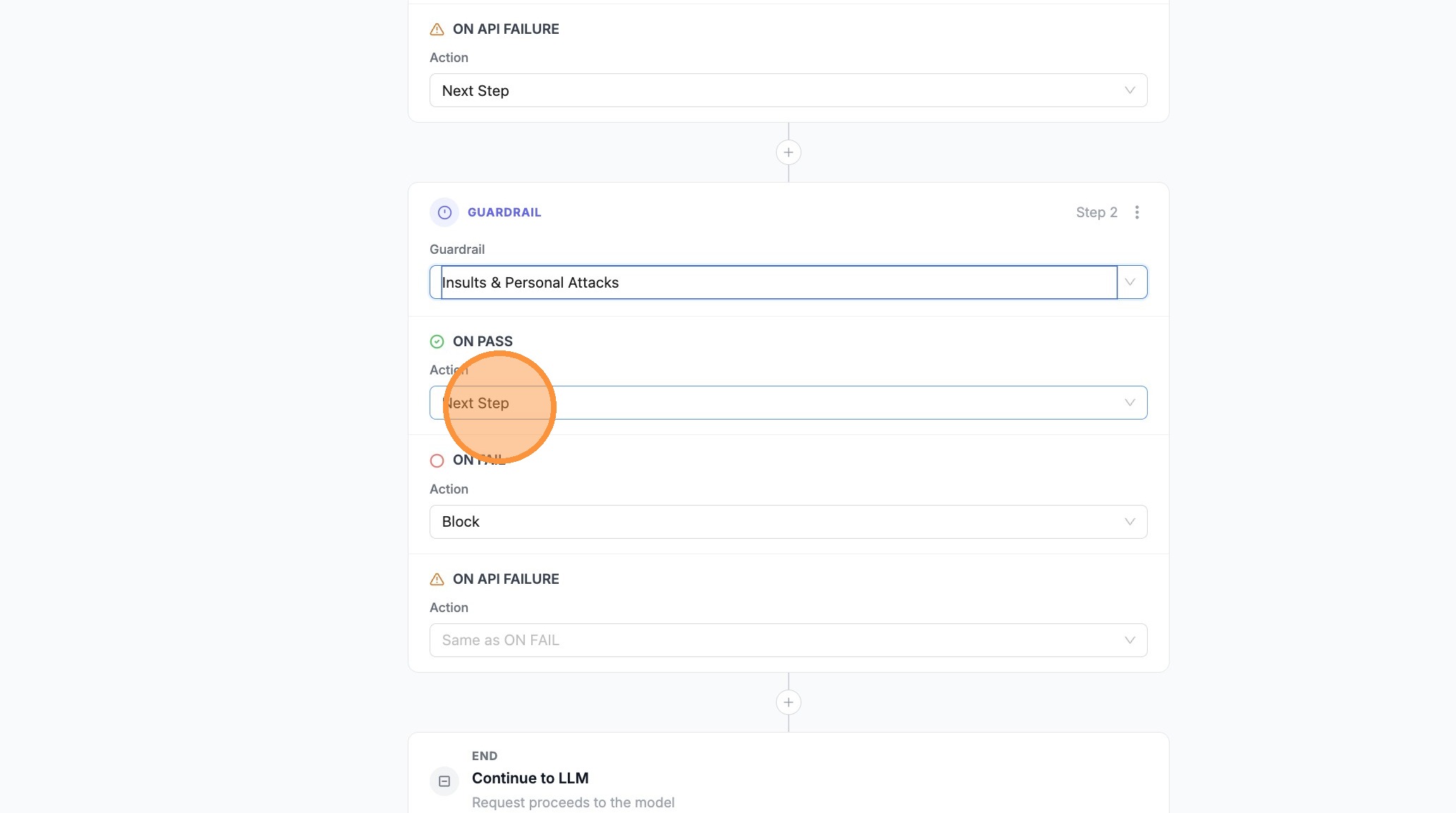
- Set ON PASS to Allow when this guardrail should complete the pipeline successfully
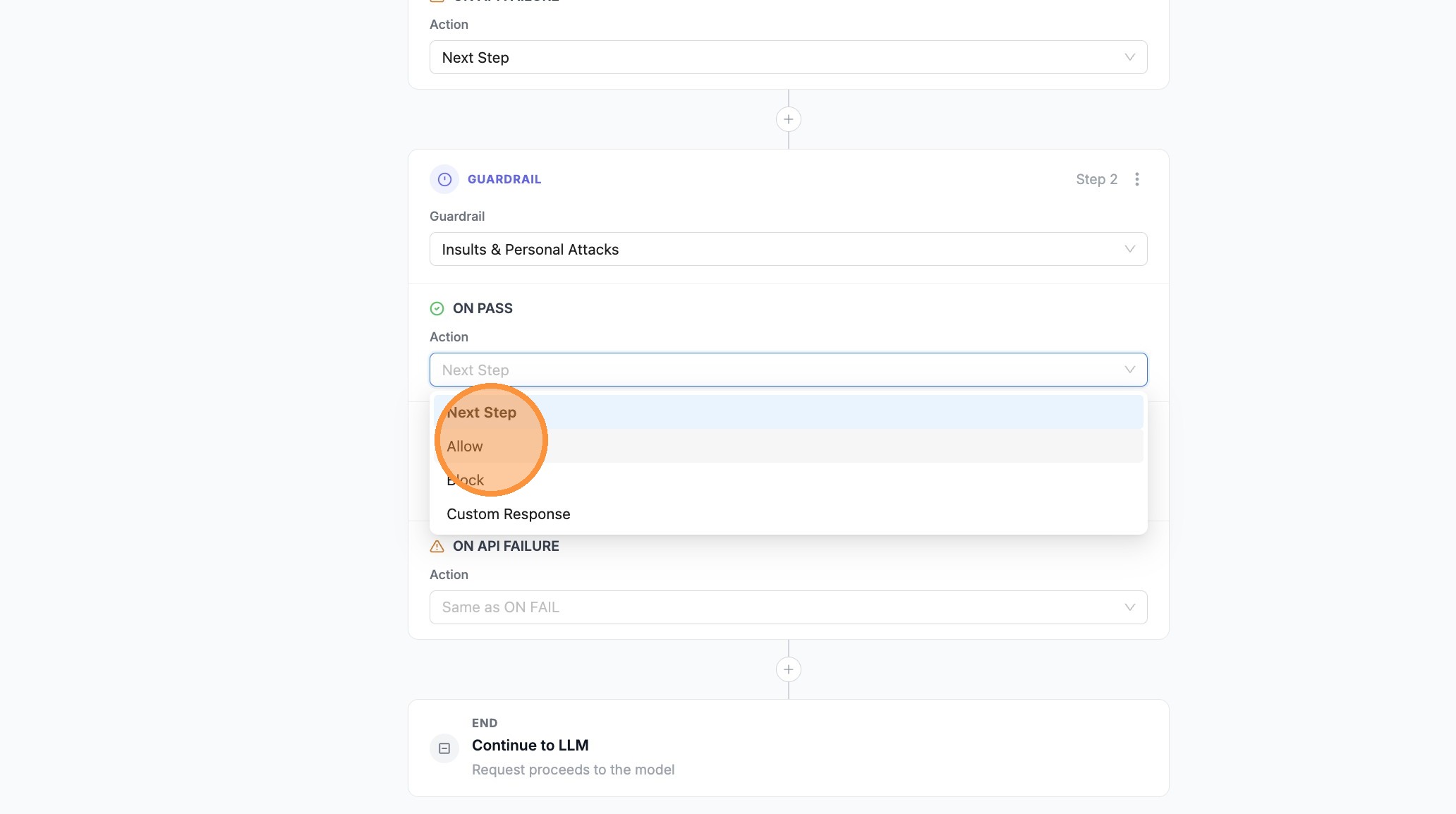
- Open the branch where you want a Custom Response (e.g. ON FAIL on the last step)
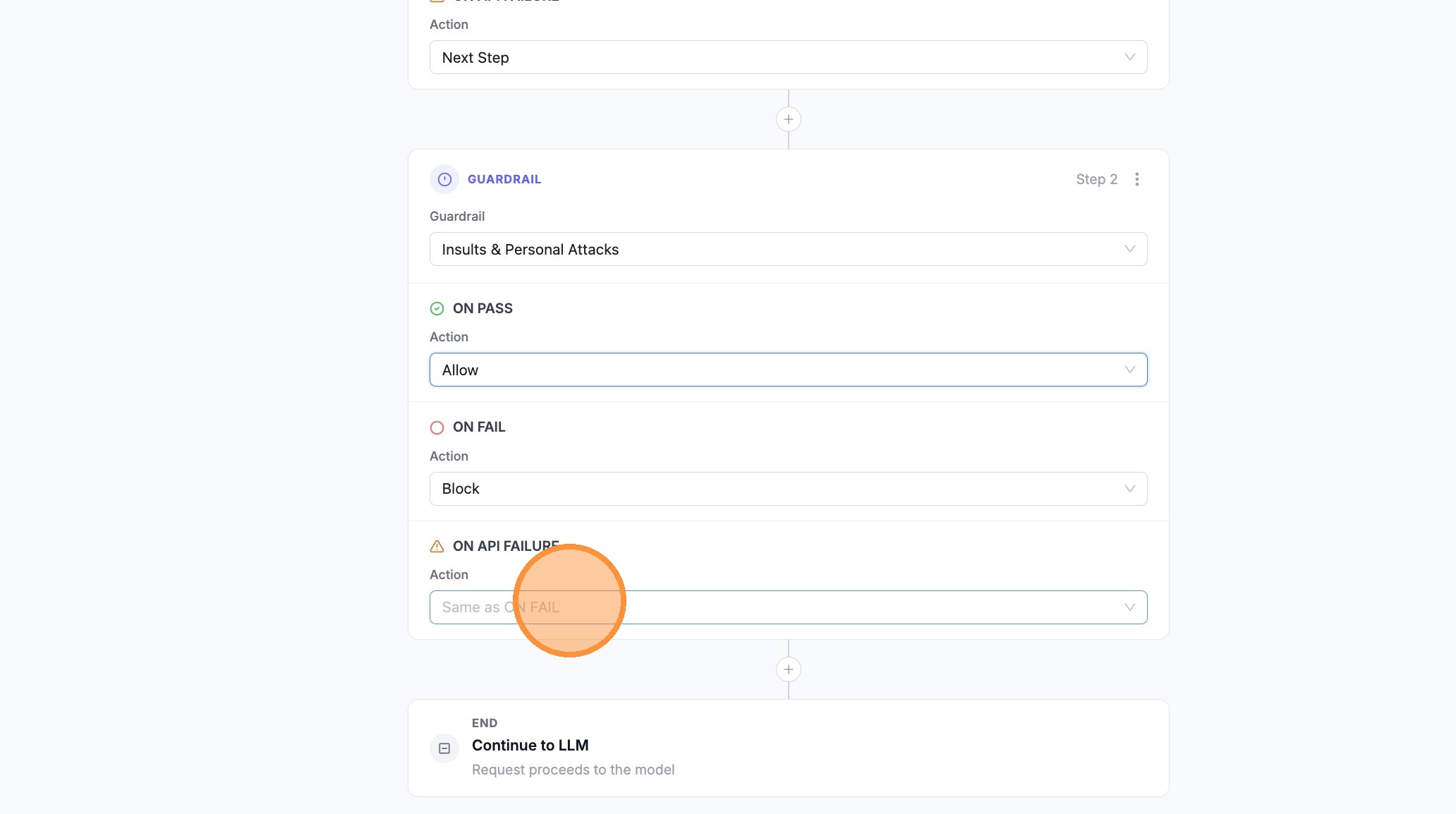
- Choose Custom Response
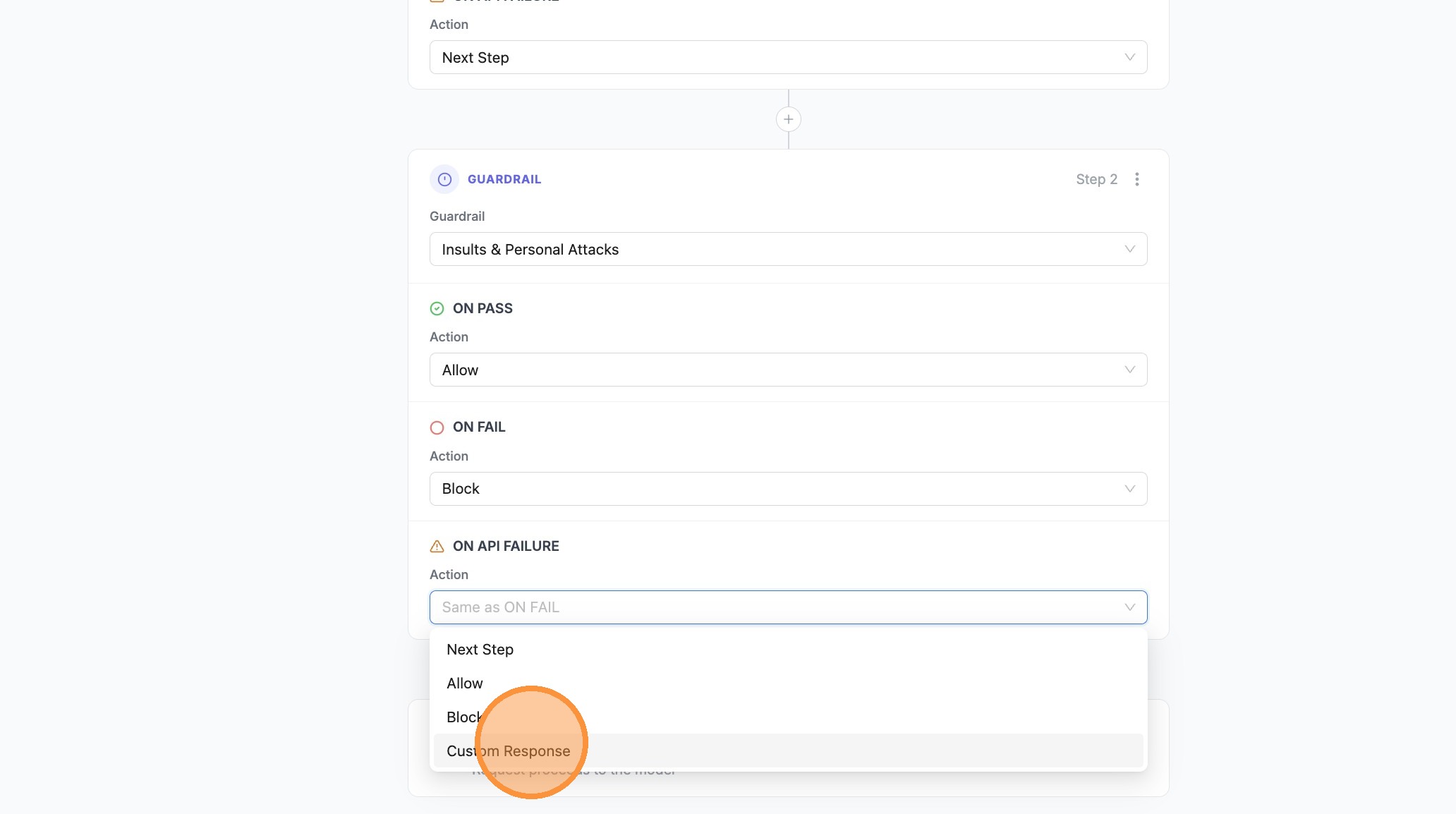
- Click Enter custom response... and type your message
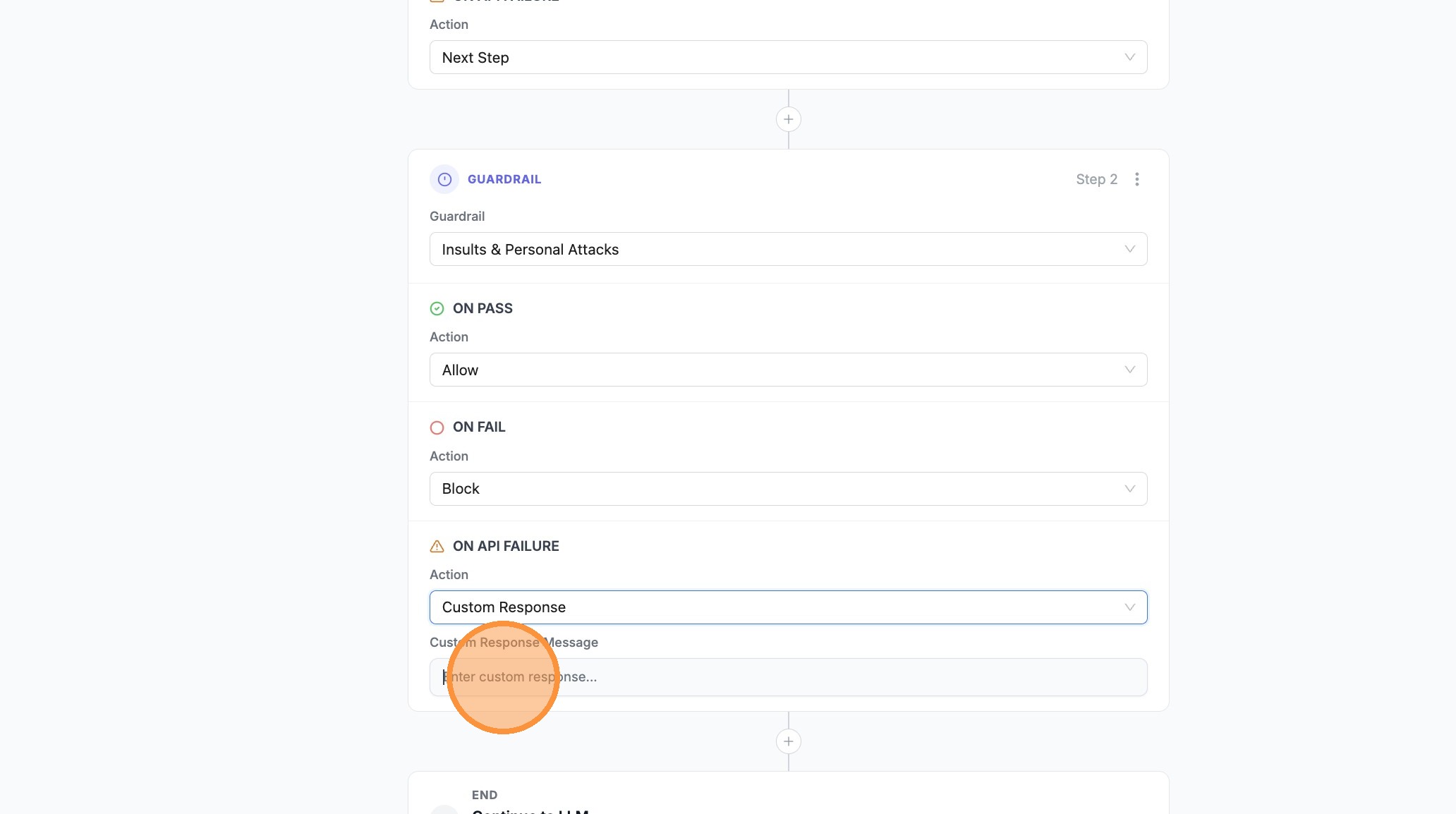
- Confirm or edit the message in Enter custom response... as needed
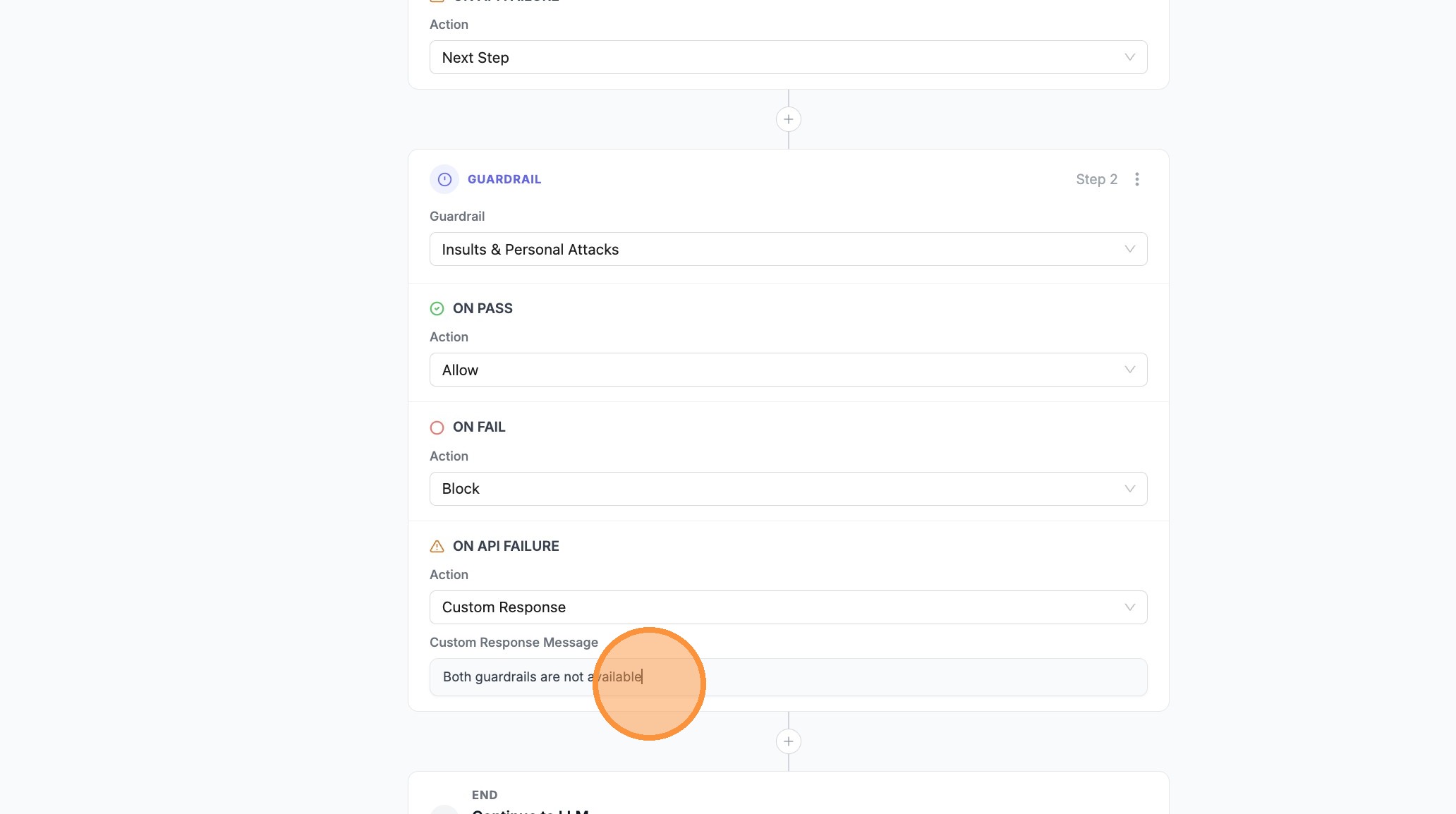
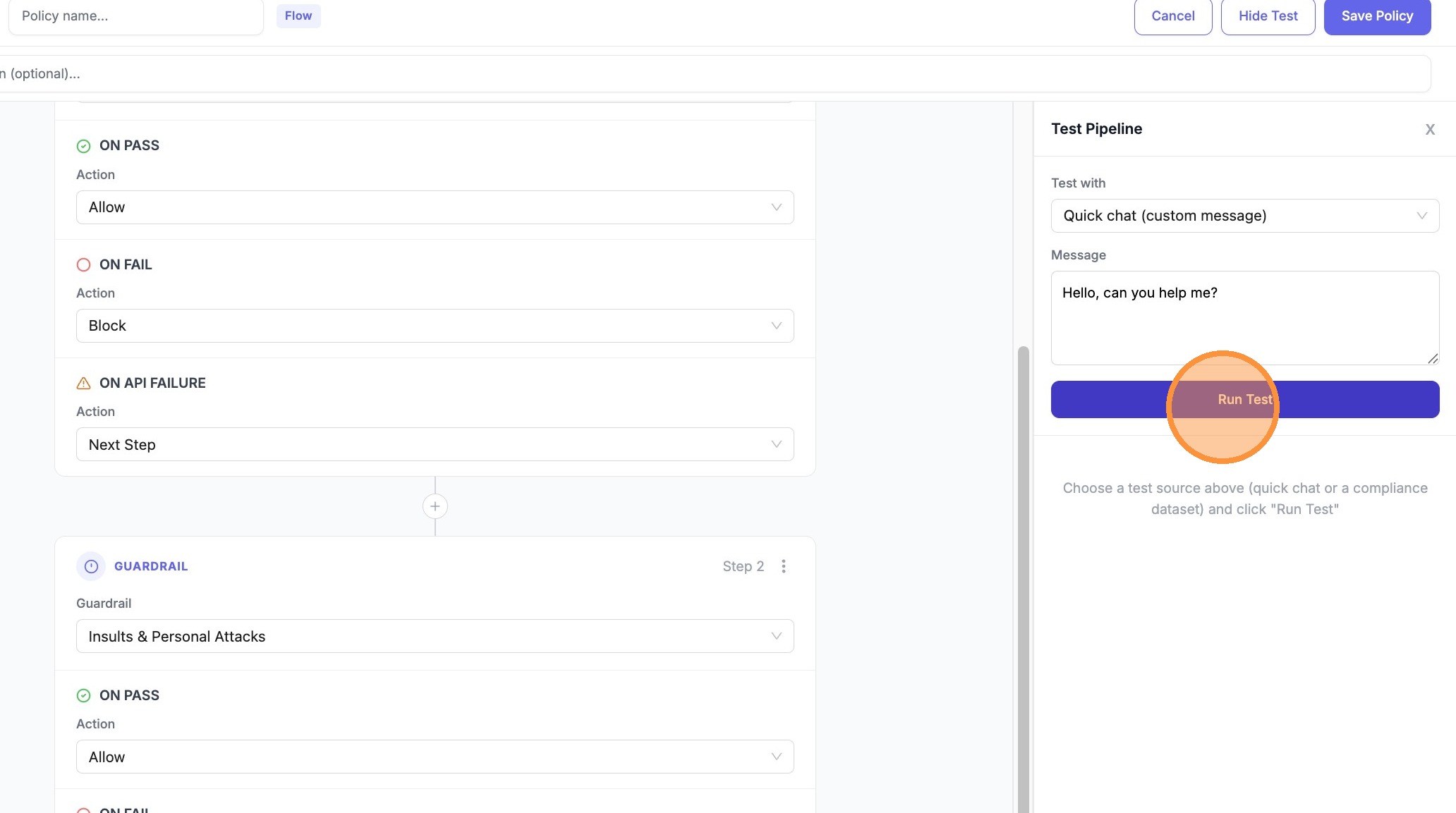
- Open Test Pipeline
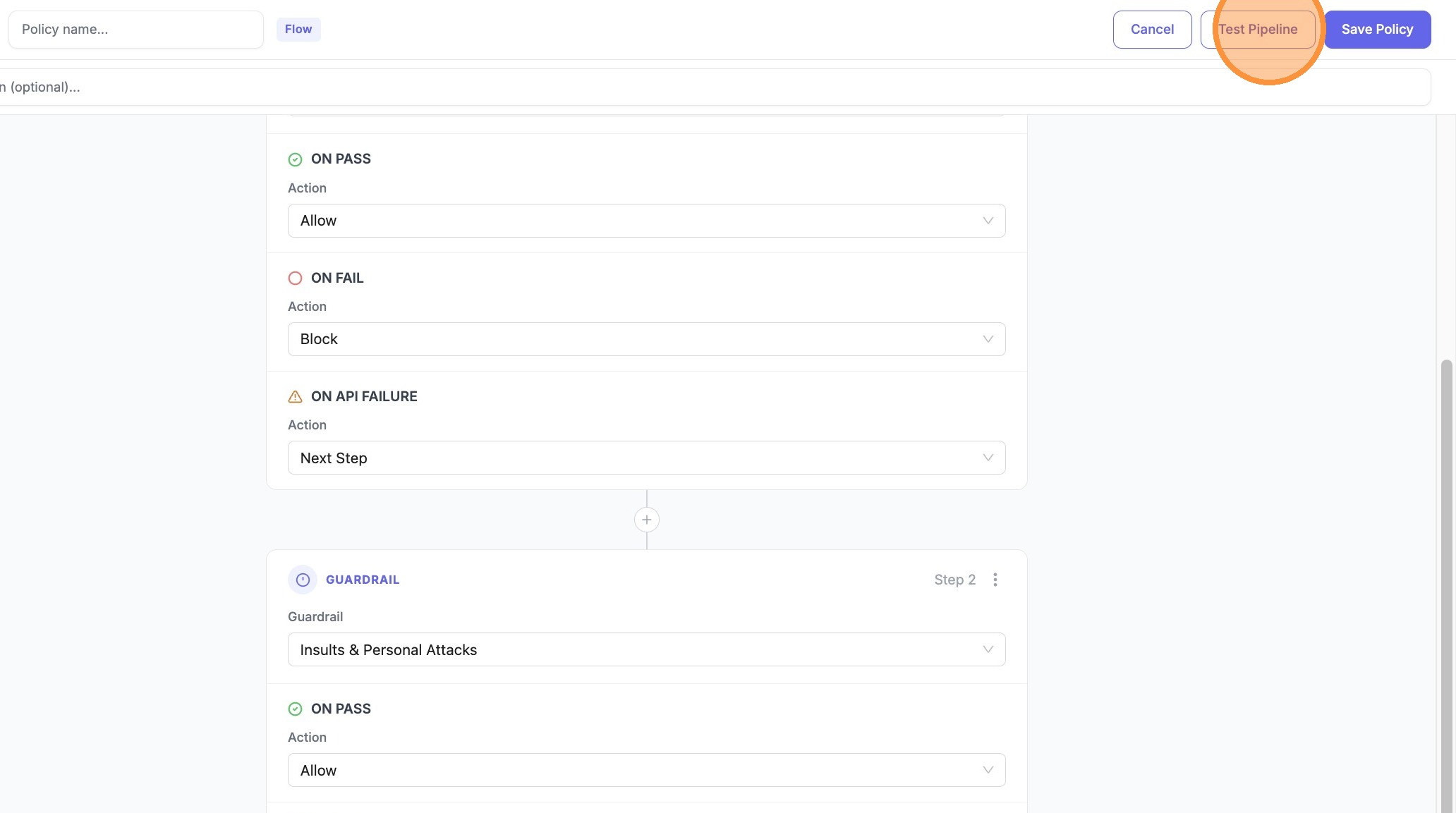
- Click Run Test
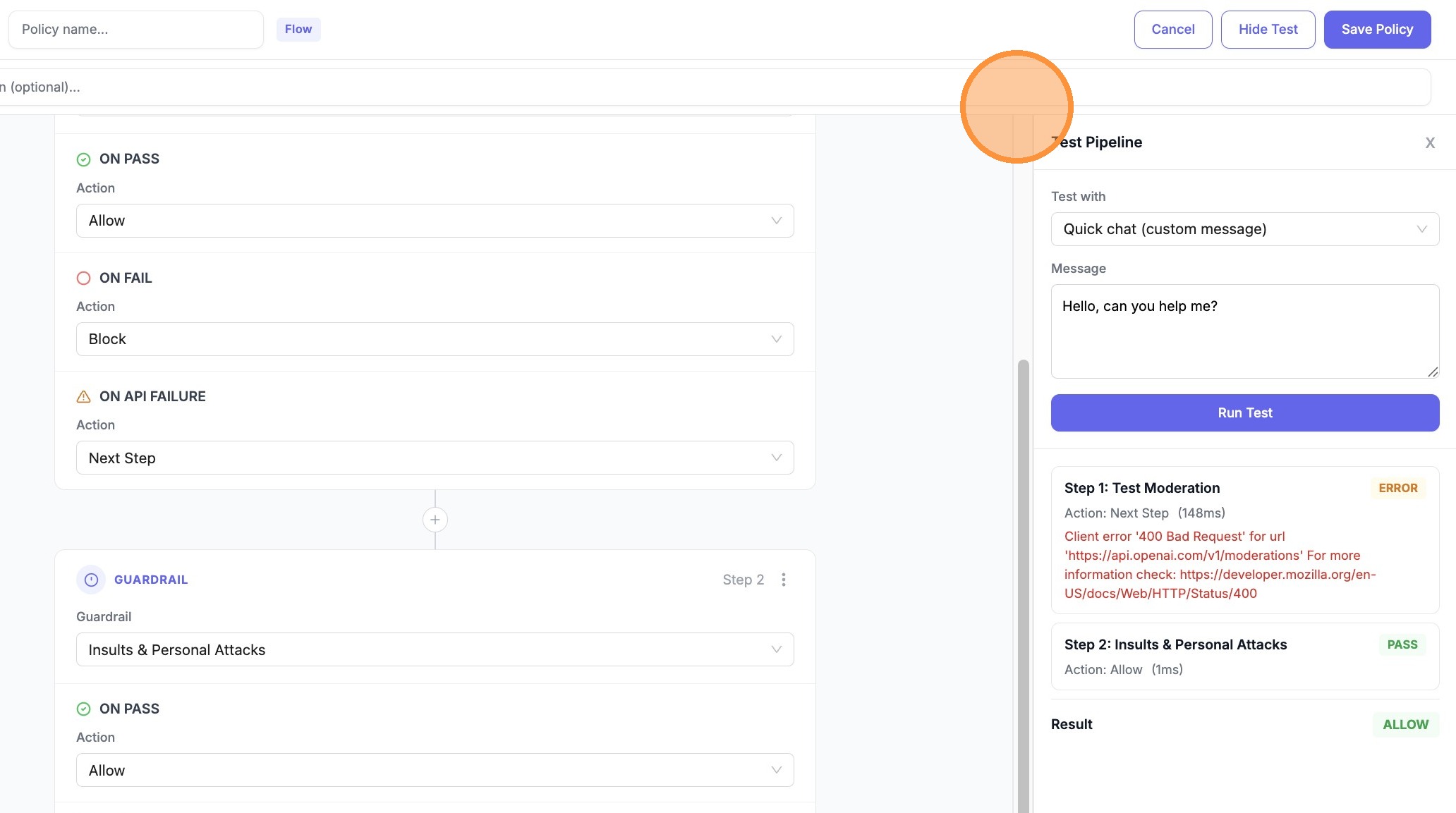
- Expand Step 1 (or the first guardrail row) in the results to see ERROR / Next Step vs PASS / Allow
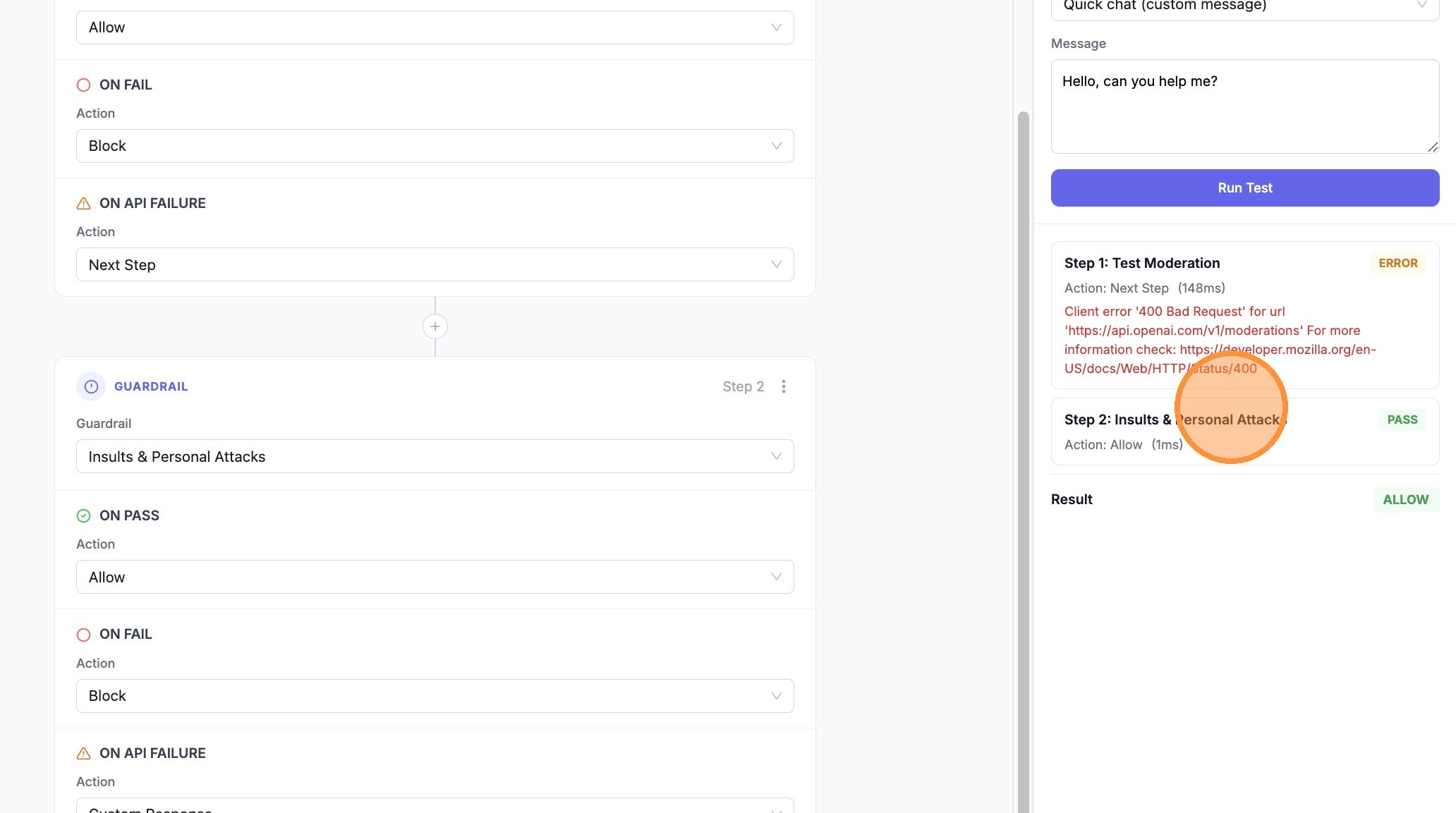
- Expand Step 2 (e.g. Insults & Personal Attacks) to confirm PASS and Allow after the fallback
Config (YAML)
Define a pipeline in your policy config:
guardrails:
  - guardrail_name: pii_masking
    litellm_params:
      guardrail: presidio
      mode: pre_call

  - guardrail_name: prompt_injection
    litellm_params:
      guardrail: lakera
      mode: pre_call

policies:
  my-pipeline-policy:
    description: "PII mask first, then check for prompt injection"
    guardrails:
      add:
        - pii_masking
        - prompt_injection
    pipeline:
      mode: pre_call
      steps:
        - guardrail: pii_masking
          on_pass: next
          on_fail: block
          pass_data: true
        - guardrail: prompt_injection
          on_pass: allow
          on_fail: block

policy_attachments:
  - policy: my-pipeline-policy
    scope: "*"
Fallbacks and retries
Guardrail fallbacks
Use on_fail: next to fall back to another guardrail when one fails. Run a lightweight guardrail first; if it fails, escalate to a stricter or different provider:
policies:
  fallback-policy:
    guardrails:
      add:
        - fast_content_filter
        - strict_content_filter
    pipeline:
      mode: pre_call
      steps:
        - guardrail: fast_content_filter
          on_pass: allow
          on_fail: next
        - guardrail: strict_content_filter
          on_pass: allow
          on_fail: block
If fast_content_filter passes → allow. If it fails → run strict_content_filter; pass → allow, fail → block.
Retrying the same guardrail
Add the same guardrail as multiple steps to retry on failure. Useful for transient errors (API timeouts, rate limits):
policies:
  retry-policy:
    guardrails:
      add:
        - lakera_prompt_injection
    pipeline:
      mode: pre_call
      steps:
        - guardrail: lakera_prompt_injection
          on_pass: allow
          on_fail: next
        - guardrail: lakera_prompt_injection
          on_pass: allow
          on_fail: block
First attempt passes → allow. First attempt fails → retry the same guardrail; second pass → allow, second fail → block.
Technical errors vs policy failures (on_error)
Use on_error when you want different behavior for API/infra problems than for content policy violations.
on_fail— Runs when the guardrail intervenes (e.g. toxic content, PII detected).on_error— Runs when the step ends in error (timeout, connection failure, guardrail not loaded, etc.). If you omiton_error, error outcomes useon_fail.
Example: block on bad content, but if the primary scanner is down, fall back to a second guardrail instead of blocking every request:
policies:
  error-fallback-policy:
    guardrails:
      add:
        - primary_scanner
        - backup_scanner
    pipeline:
      mode: pre_call
      steps:
        - guardrail: primary_scanner
          on_pass: allow
          on_fail: block
          on_error: next
        - guardrail: backup_scanner
          on_pass: allow
          on_fail: block
          on_error: allow
If primary_scanner errors → run backup_scanner. If backup_scanner errors → allow the request (set on_error to block if you prefer fail-closed).
Example: Custom response on fail
Return a branded message instead of a generic block:
policies:
  branded-block-policy:
    guardrails:
      add:
        - pii_detector
    pipeline:
      mode: pre_call
      steps:
        - guardrail: pii_detector
          on_pass: allow
          on_fail: modify_response
          modify_response_message: "Your message contains sensitive information. Please remove PII and try again."
Test a pipeline (API)
Test a pipeline with sample messages before attaching it:
curl -X POST "http://localhost:4000/policies/test-pipeline" \
  -H "Authorization: Bearer <your_api_key>" \
  -H "Content-Type: application/json" \
  -d '{
    "pipeline": {
      "mode": "pre_call",
      "steps": [
        {
          "guardrail": "pii_masking",
          "on_pass": "next",
          "on_fail": "block",
          "pass_data": true
        },
        {
          "guardrail": "prompt_injection",
          "on_pass": "allow",
          "on_fail": "block"
        }
      ]
    },
    "test_messages": [
      {"role": "user", "content": "What is 2+2?"},
      {"role": "user", "content": "My SSN is 123-45-6789"}
    ]
  }'
Response includes per-step outcomes (pass/fail/error), actions taken, and timing.
Pipeline vs simple policy
When a policy has a pipeline, the pipeline defines execution order and actions. The guardrails.add list must include all guardrails used in the pipeline steps.
| Policy type | Execution |
|---|---|
Simple (guardrails.add only) | All guardrails run; any failure blocks |
Pipeline (pipeline present) | Steps run in order; actions control flow |
Related docs
- Guardrail Policies — Policy basics, attachments, inheritance
- Policy Templates — Pre-built policy templates

