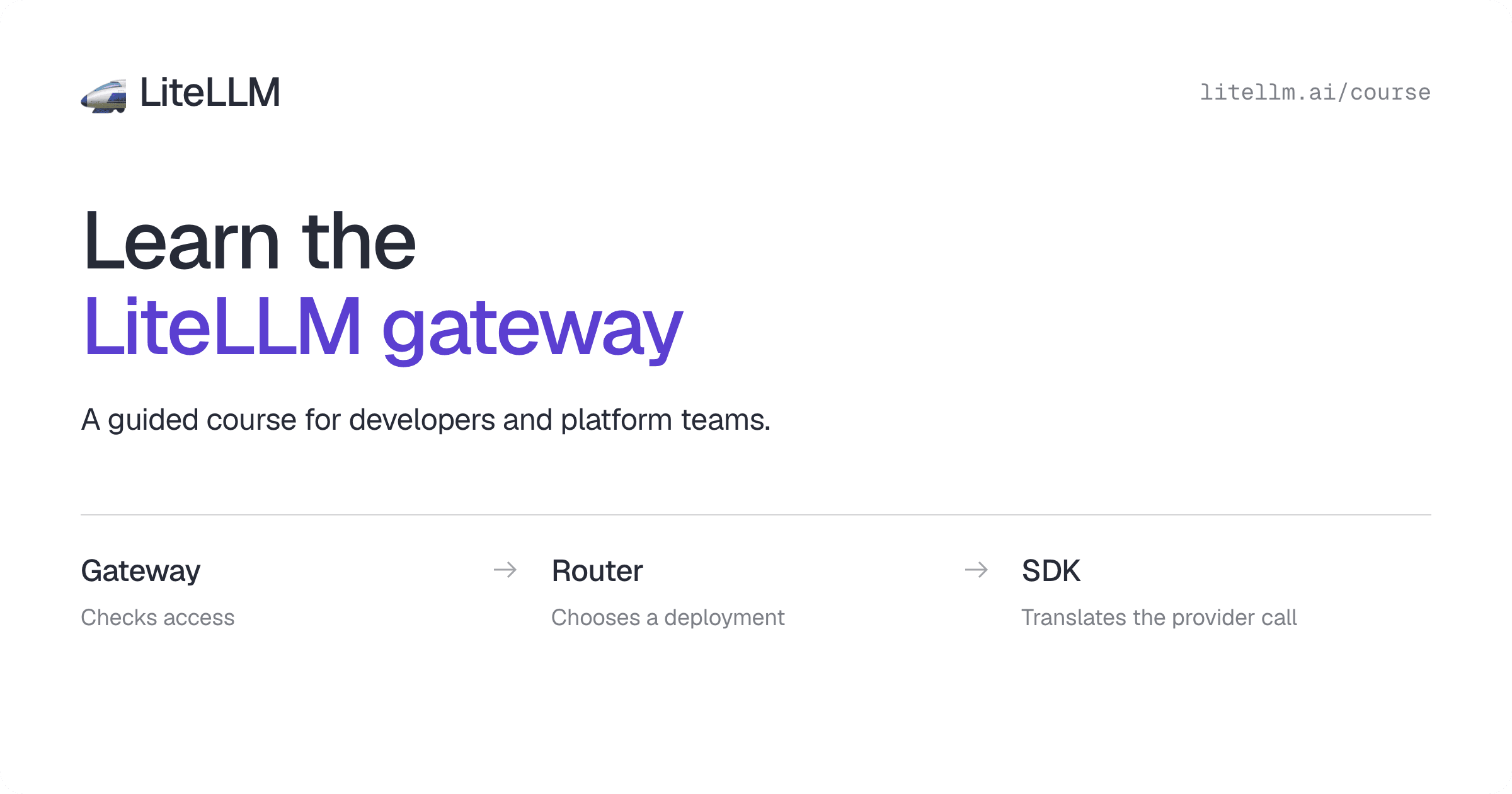

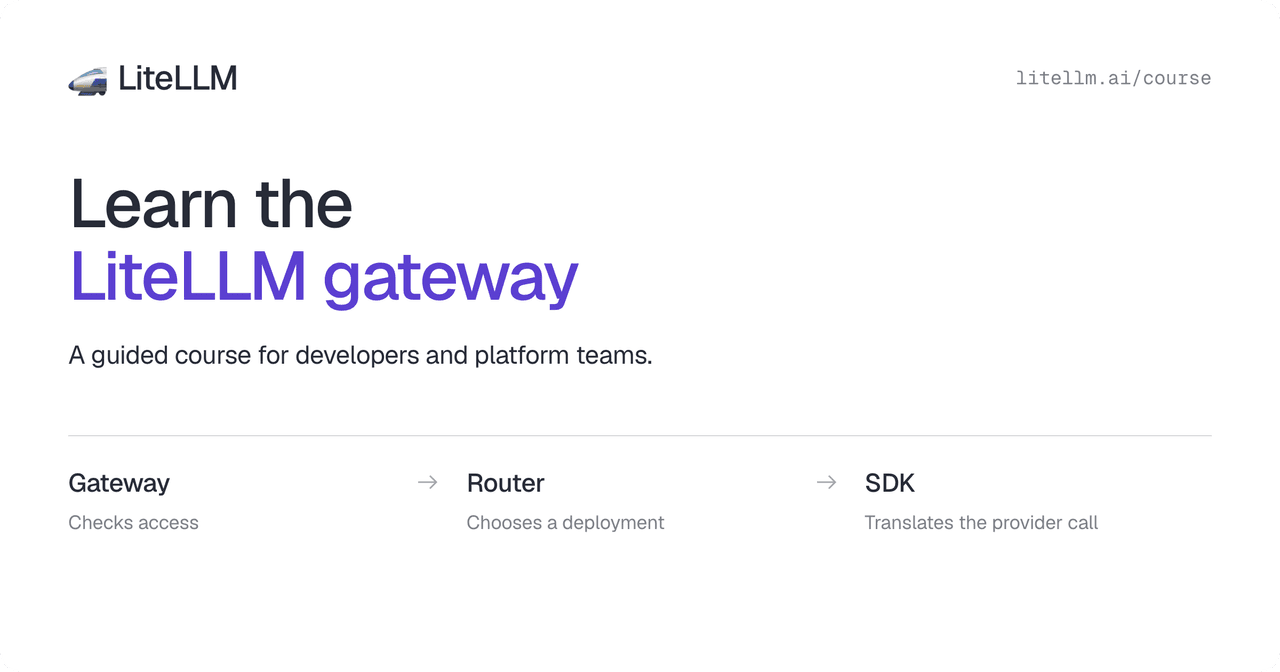
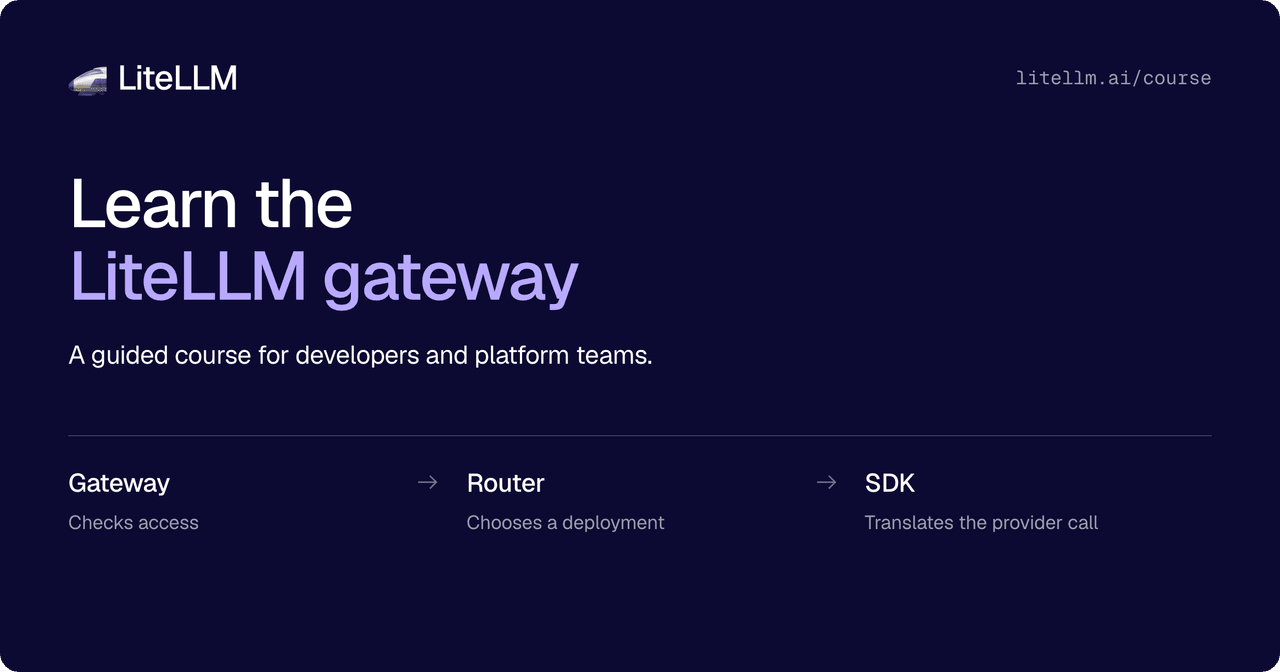
The LiteLLM gateway course walks you through how the gateway, Router, and SDK work together. We built it for developers and platform teams deploying LiteLLM, and contributors who want to understand the code before opening a pull request.
Start with one request
The first lessons follow a support app that sends a question to a model called support-chat. The gateway checks the caller's access. The Router chooses a deployment. The SDK translates the call into the provider's format.
Later lessons build on that same app. You add access rules, compare routing choices, follow retries and fallbacks, and see how costs and logs are recorded.
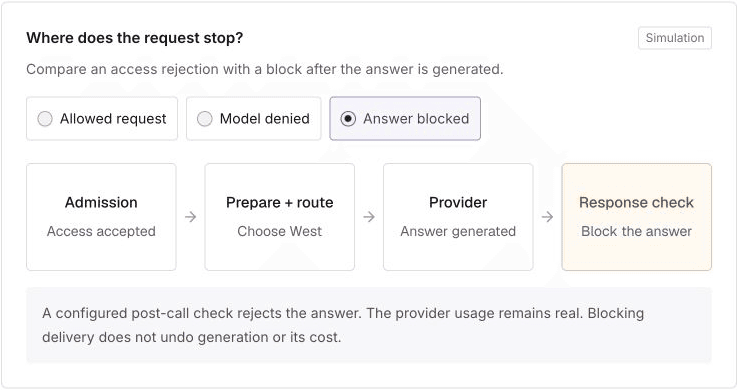
In Follow one request, you can switch between an allowed request, a denied model, and a blocked answer. Select a scenario to see which steps run and where the request stops.
Understand the deployment you run
For platform teams, the lessons cover everyday decisions: how to give a team access to models, set a budget, choose fallbacks, and investigate a failed request.
The operations chapters explain how gateway workers, Redis, and PostgreSQL fit together. Other chapters cover streaming, caching, tools, and agents.
Use the production guide alongside the course when you configure your deployment.
Find where a code change belongs
For contributors, the course helps you find where a change belongs. A provider request in the wrong format points toward an SDK adapter. An unexpected deployment choice points toward the Router. A permission error starts with the gateway's access checks.
The lessons include Why this exists and Where the code lives sections. Open them to read the reason for a behavior and follow links to the relevant implementation, documentation, or tests.
The final chapter follows a change across the system, from a dashboard field to permissions, stored data, and the settings loaded by gateway workers. It shows you how to trace the behavior and choose what to test. The contribution guide covers repository setup and the pull request process.
Take the course
The course has 83 lessons in 15 chapters. Follow the lessons in order, or use the sidebar to return to a topic. Your progress is saved in your browser. No login is required.