LiteLLM × Headroom: Use 60-95% fewer tokens with Claude Code


Headroom now runs as a native guardrail on the LiteLLM proxy, compressing tool outputs, RAG payloads, database results, and file reads before they reach the model.
Long-context agents burn most of their input budget on repeated tool output, retrieved chunks, and stale scratch state. Headroom intelligently rewrites that content so the model sees the same information at a fraction of the tokens.
If the model needs the full context, LiteLLM will also pass a 'retrieve_headroom' tool to the model, to retrieve the full context from Headroom.
How is it deployed?
Headroom runs as a sidecar to LiteLLM. Client traffic still hits the LiteLLM gateway; LiteLLM invokes Headroom during the pre_call step, swaps in the compressed messages, and forwards the payload upstream. Clients and the LLM provider never talk to Headroom directly.
The benefit of this is two-fold
- Convenience: Users get 1 api base regardless of if they use prompt compression or not.
- Reliability: If Headroom goes down, your LLM calls are unaffected.
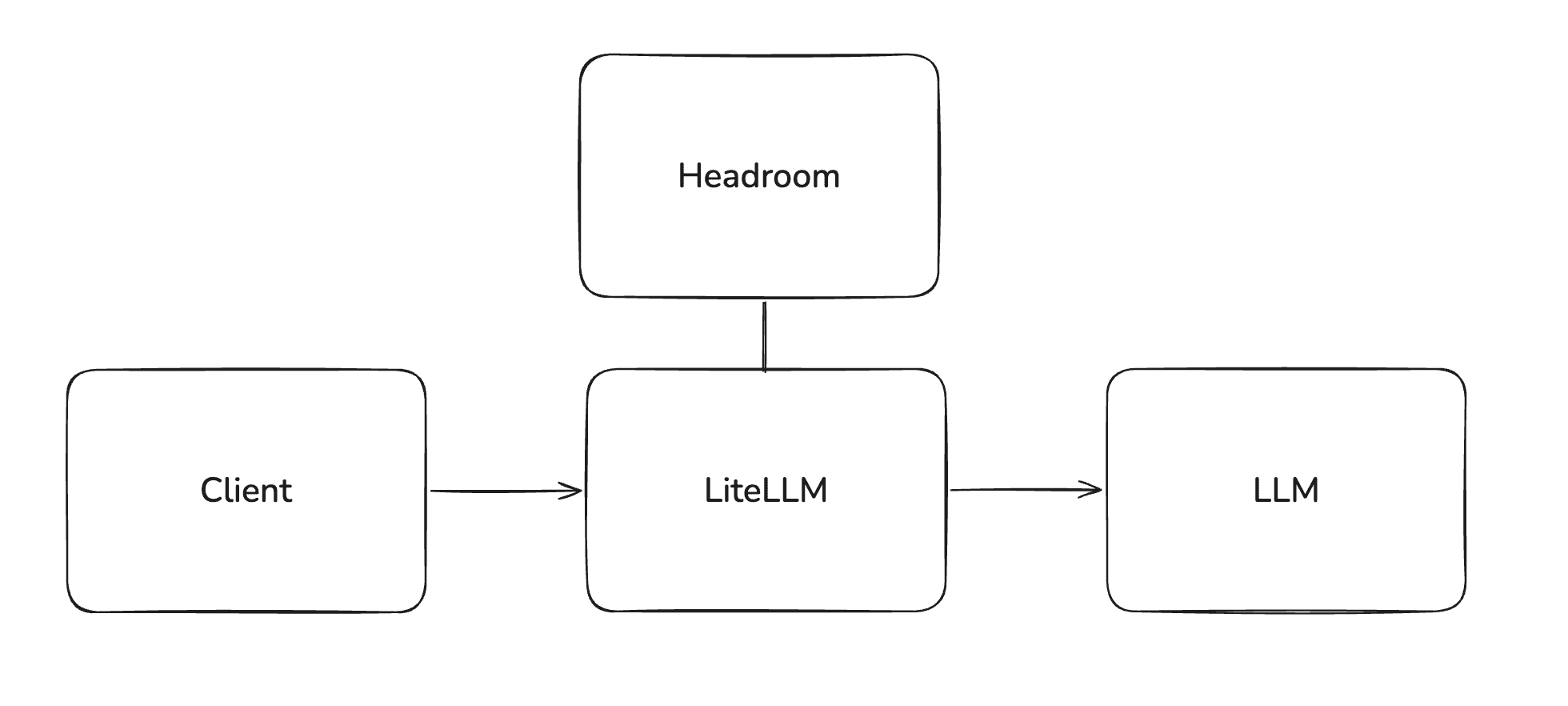
Compression works on both /v1/chat/completions and /v1/messages (Anthropic format), which makes the Claude Code rollout a one-liner for the admin: attach headroom-compression to a virtual key, hand it to the developer, and every request they make through ANTHROPIC_BASE_URL gets compressed automatically. No client-side change, no code diff.
Turn it on per key, per request, or globally via default_on: true. Confirm it ran by checking the x-litellm-applied-guardrails response header or the Guardrails panel in the Logs UI.
Get started: Headroom guardrail setup guide (requires LiteLLM v1.92.x or later; for testing ahead of the stable cut, grab the v1.92.0-dev.1 dev release)
Discussion: GitHub discussion #31816