
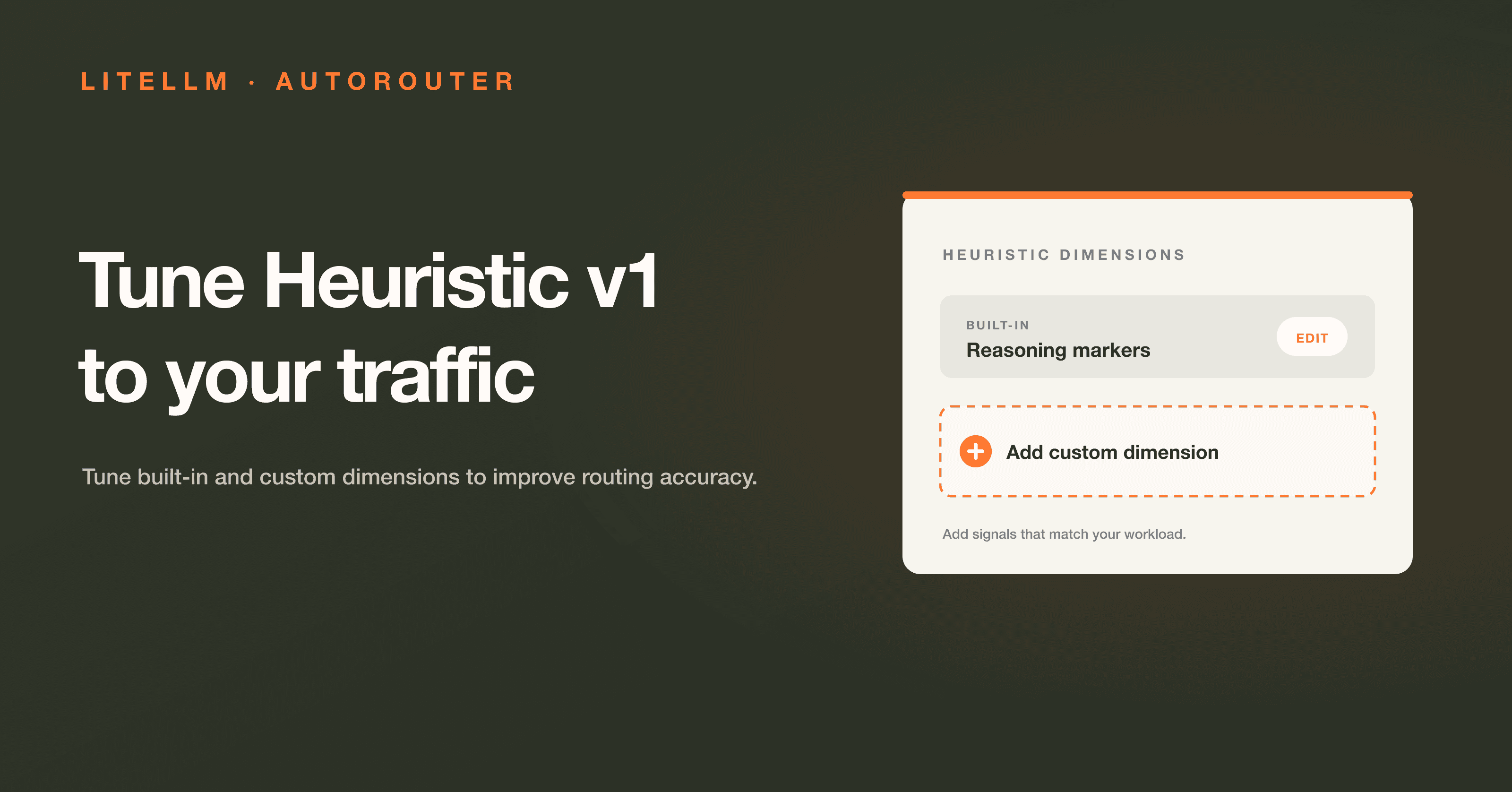
Heuristic v1 scores seven prompt signals, including reasoning language, code, technical terms, and prompt length. You can tune those signals for the traffic your router serves.
Test heuristic tuning on your production traffic with the LiteLLM team and influence the roadmap.
Apply to Become a Design PartnerShare benchmark results in discussion #32168.
We tested that idea on a balanced 240-prompt mix:
| Configuration | Accuracy |
|---|---|
| Default Heuristic v1 | 90.8% |
| Workload-tuned Heuristic v1 | 95.2% |
| All Opus | 94.9% |
- The tuned configuration cut the classification error rate from 9.2% to 4.8%, a 48% reduction.
- It slightly exceeded the all-Opus reference on this benchmark.
- The model ladder and test set stayed fixed, so tuning the heuristic dimensions drove the change.
A useful profile depends on your traffic. Code-heavy workloads and support questions reward different routing choices.
Tune the signals your workload uses
You can tune:
reasoningMarkers,multiStepPatterns, andquestionComplexityfor reasoning-heavy prompts.codePresenceandtechnicalTermsfor code and domain-specific traffic.tokenCountandsimpleIndicatorsfor prompt length and low-complexity cues.- A custom dimension for workload-specific vocabulary or structure.
For a useful comparison:
- Start with a held-out sample from your traffic.
- Keep the model ladder and test set fixed.
- Change one signal family at a time and inspect which prompts move tiers.
- Compare accuracy, latency, and tier distribution.
The shadow evaluation workflow tests a candidate on sampled production traffic without changing the response your user receives.
Auto-configure from models you already have
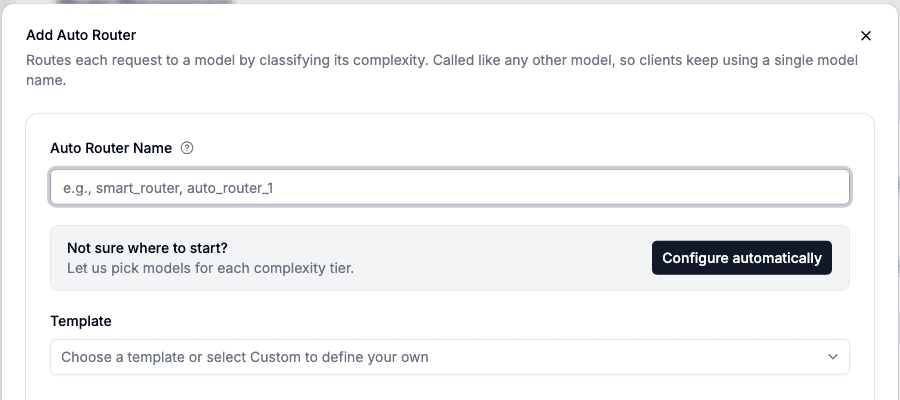
Select Configure automatically. LiteLLM checks the models your proxy can access and, using current family presets, picks the best available model for each routing tier.
- Each tier uses a model from your existing deployments.
- The configuration opens for review before you save it.
- Anthropic Family uses Claude Fable 5.1 at high effort for reasoning traffic.
- OpenAI Family uses GPT-6 Astra at xhigh effort for reasoning traffic.
Deployment names do not need to match the catalog. AutoRouter identifies the provider model behind each deployment.
See LLM classifier activity per 1,000 turns
You can now separate LLM classifier activity from routed requests:
- Normalize classifier activity per 1,000 routed turns.
- Use sessions, turns, and tier distribution to compare routing changes.
- See how often an LLM classifier runs alongside the traffic it routes.
More controls for agent traffic
Recent AutoRouter changes also cover long-running agent sessions:
- A
NON_REASONINGtier below Simple handles tool-result relays, acknowledgements, and reformatting work. - Output limits from the selected tier replace a caller's cap with the chosen model's output ceiling. An explicit per-tier cap still wins.
- Classifier timeout protection opens a circuit breaker after a timeout and uses the configured fallback during the cooldown.
- Cross-provider tool history lets the Messages API replay
tool_usehistory when a session moves between OpenAI and Anthropic tiers.
Try the AutoRouter
Open Add Model → Auto Router and select Configure automatically. Review the generated tiers, then test them against your traffic. Share results in discussion #32168, or apply to be a design partner to work with the LiteLLM team.
You can also start with a file-based config:
model_list:
  - model_name: claude-haiku-4-5
    litellm_params:
      model: anthropic/claude-haiku-4-5
      api_key: os.environ/ANTHROPIC_API_KEY

  - model_name: claude-sonnet-5
    litellm_params:
      model: anthropic/claude-sonnet-5
      api_key: os.environ/ANTHROPIC_API_KEY

  - model_name: claude-fable-5-1-high
    litellm_params:
      model: anthropic/claude-fable-5-1
      api_key: os.environ/ANTHROPIC_API_KEY
      reasoning_effort: high

  - model_name: smart-router
    litellm_params:
      model: auto_router/complexity_router
      complexity_router_config:
        classifier_type: heuristic
        tiers:
          SIMPLE: claude-haiku-4-5
          MEDIUM: claude-sonnet-5
          COMPLEX: claude-fable-5-1-high
          REASONING: claude-fable-5-1-high
      complexity_router_default_model: claude-sonnet-5
Full reference on the Auto Routing docs page.